
New
Pussycat – Active Matter
From 14.66د.إ
🔥 21sold in last 16 hours
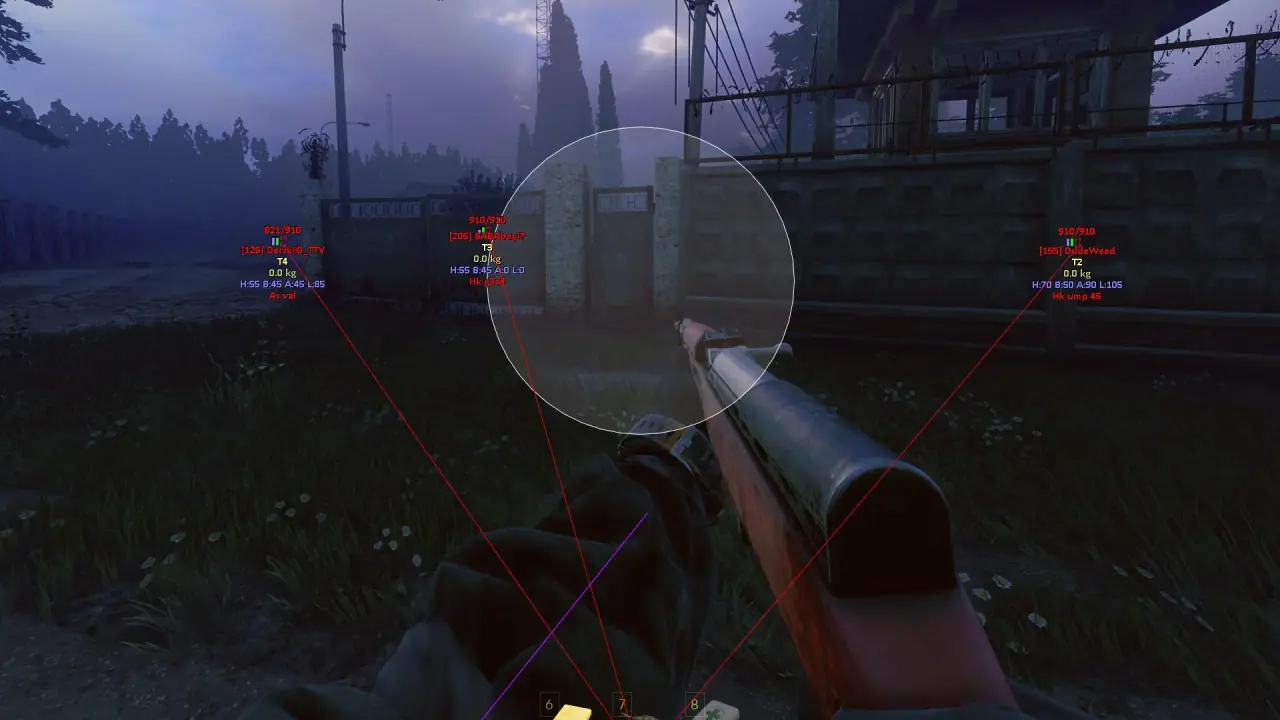
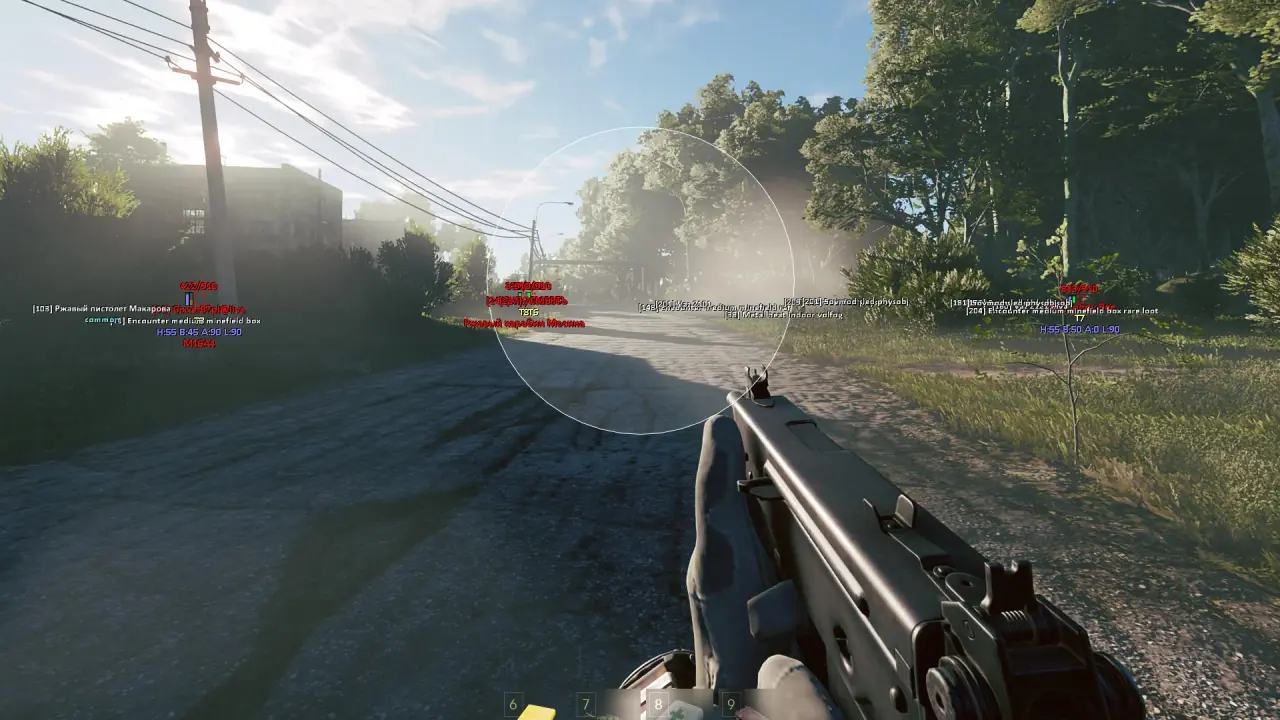
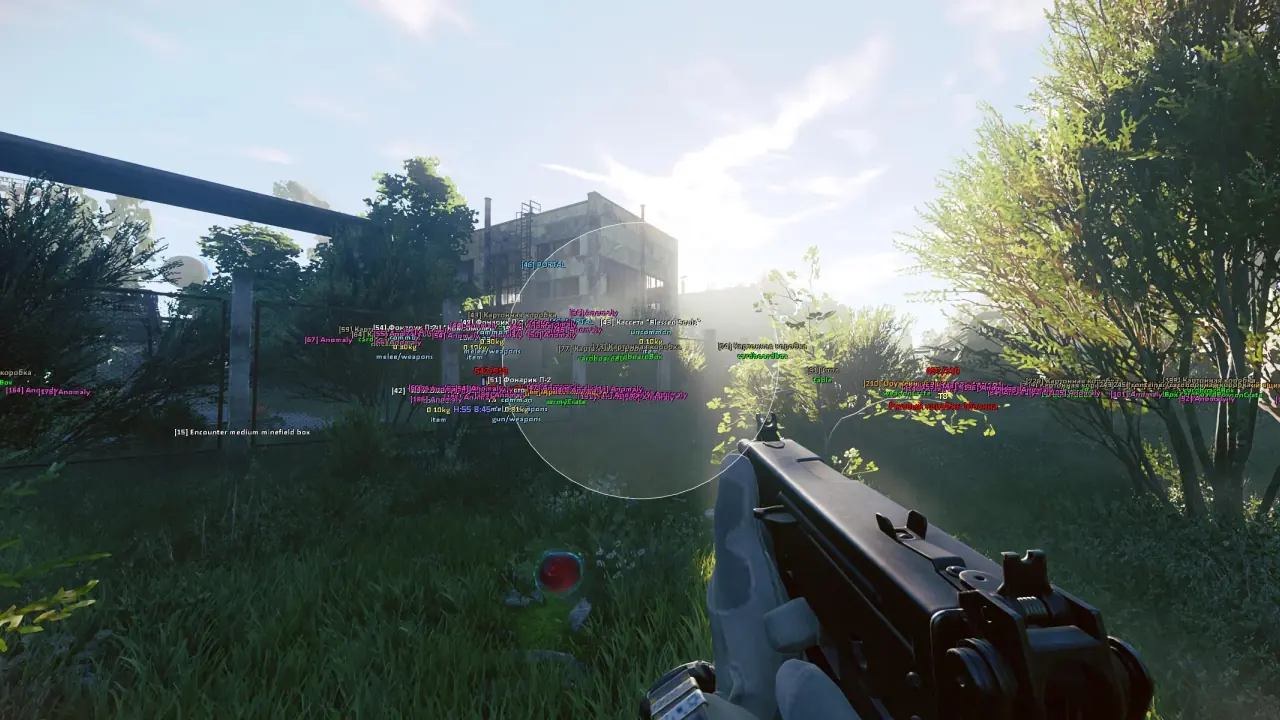
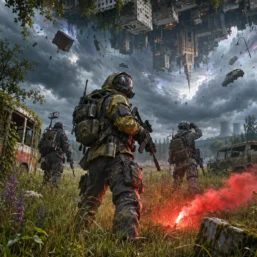
Pussycat for Active Matter combines a configurable vector a1mbot with detailed player, world and loot ESP. Track armor, portals, exits and valuable items with category and rarity filters, then save your settings in a compact menu.
🌐 STATUS: ✅ Undetected
- AIM, ESP, COLORS, MISC
- Full Features Lists in below description section
System requirements:
Launcher: Gaijin Launcher
Supported processors: Intel, AMD
Video card: Nvidia & AMD
Supported OS: Windows 10, Windows 11
Declaimer: We are not developing this software and we are a premium reselling service. We at ezMod do not advise or condone in any way, shape, or form the usage of any software sell from our shop in online gaming.
👁️🗨️ 25people are viewing this right now
Work in progress! The actual Software may have more/less features than displayed below. We will do our best to update it fully in the near future.
Pussycat – Active Matter: Full Features List
a1mbot
- Enable – enables aiming at enemies
- Aim Key – key to activate the aimbot (hold)
- Hitbox – allows selecting the body part to aim at
- Aim FOV – adjusts the size of the area for aimbot target acquisition
- Smooth – adjusts the smoothness of aiming
- Visible Check – aimbot works only on visible targets (not behind obstacles)
- Max Distance – adjusts the maximum aimbot range
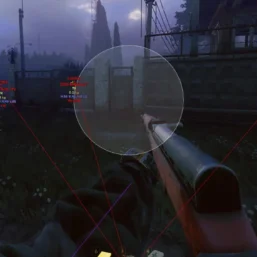
- Draw FOV – displays the aimbot area as a circle
- Filled FOV – displays the FOV area with fill
Player ESP
- Show Players – enables player display
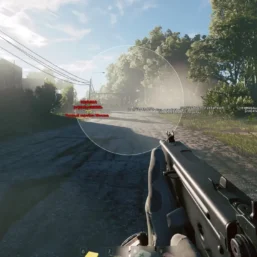
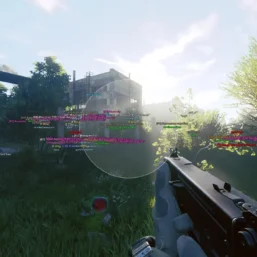
- Box – displays boxes around players
- Box Style – allows selecting the box style
- Snaplines – displays lines to players
- Snaplines Style – allows selecting the style of lines to players
- Names – shows player nicknames
- Weapon – displays the player’s weapon
- Visible Check – marks player visibility with a different color
- Health Bar – displays the health bar
- Health Value – shows the numeric health value
- Head – player’s head protection
- Body – player’s body protection
- Arms – player’s arm protection
- Legs – player’s leg protection
- Armor Bar – displays the armor bar
- Armor Value – shows the numeric armor value
- TeamID – displays the team identifier
- Ignore Team – hides teammates from ESP display
- Ignore Dead – excludes dead players from display
- Max Distance – shows the distance to players
- Skeleton – displays the players’ skeletons
- Line of Sight – displays the players’ line of sight
Object and Loot ESP
- Show Objects – enables display of world objects
- Distance – shows the distance to objects
- Portal – displays portals
- Cars – displays vehicles
- Exit – displays exits
- Anomaly – displays anomalies
- Containers – displays containers and their type
- High-tier / Military – displays high-tier and military containers
- Common Furniture – displays common furniture and household containers
- Other – displays other container types
- Mimics – displays mimics
- Corpses – displays corpses and dead bodies
- Active Matter & Monster Remains – displays active matter and monster remains
- Items – enables display of lootable items
- Category – allows filtering items by category
- Weight – displays item weight
- Amount – shows the quantity of items
- Type / Slots – displays the item type and occupied slots
- Weapons – displays weapons
- Ammo & Mags – displays ammunition and magazines
- Meds – displays medical supplies
- Keys – displays keys
- Quest & Docs – displays quest items and documents
- Chronogenes – displays Chronogenes
- Teammate Hearts – displays teammate hearts
- Common – displays common items
- Uncommon – displays uncommon items
- Rare – displays rare items
- Epic – displays epic items
Other Pussycat Active Matter Features
- Enemy Font Size – adjusts the font size for enemy display
- Item Font Size – adjusts the font size for item display
- Crosshair – enables a custom crosshair
- Thickness – adjusts the crosshair thickness
- Size – adjusts the crosshair size
- Lock Overlay FPS – locks the overlay refresh rate
- Save Config – saves the current settings
- Load Config – loads saved settings
- Unload Software – safely unloads the software from the game
- Menu Key – allows changing the menu open key
- Localizations – the menu supports multiple languages (English, Russian)
- Fullscreen Support – support for full-screen mode
| Choose License: | 1 Day, 7 Days, 30 Days |
|---|
Brand
Pussycat
Only logged in customers who have purchased this product may leave a review.
Related products
From 18.33د.إ
Reviews
There are no reviews yet.