
New
Pussycat – CS2

From 1.50$
🔥 11sold in last 12 hours
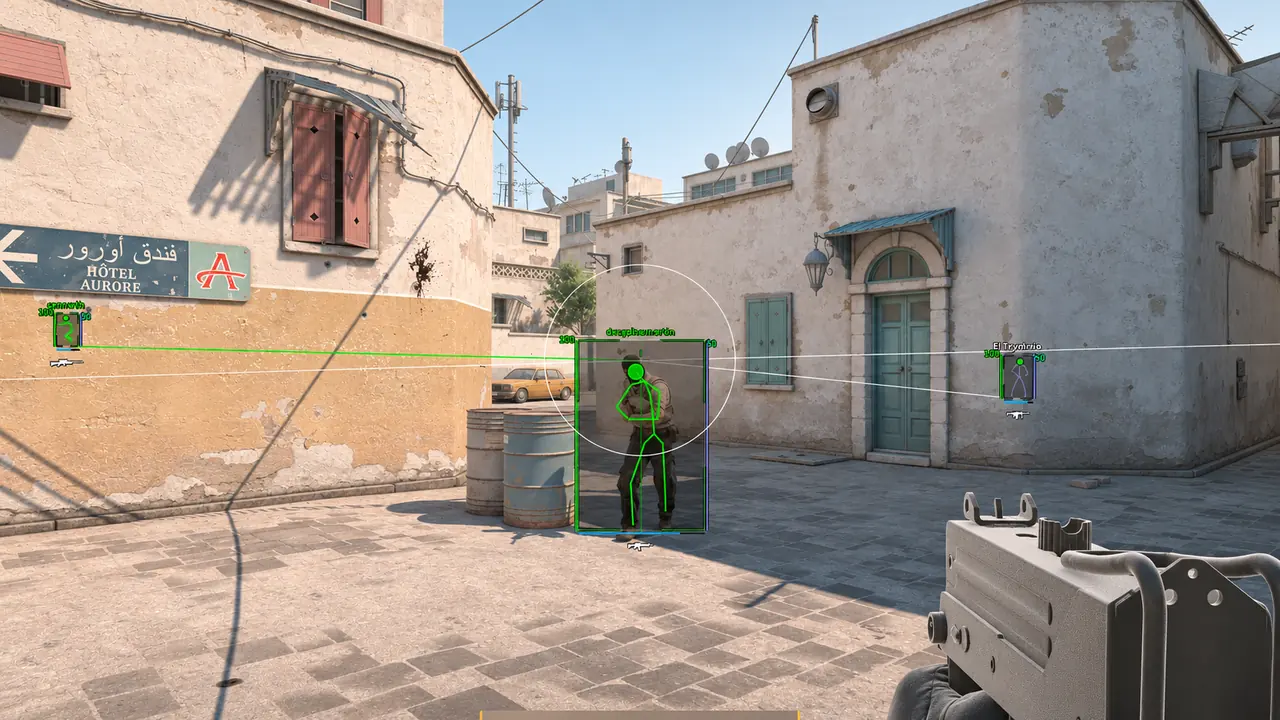
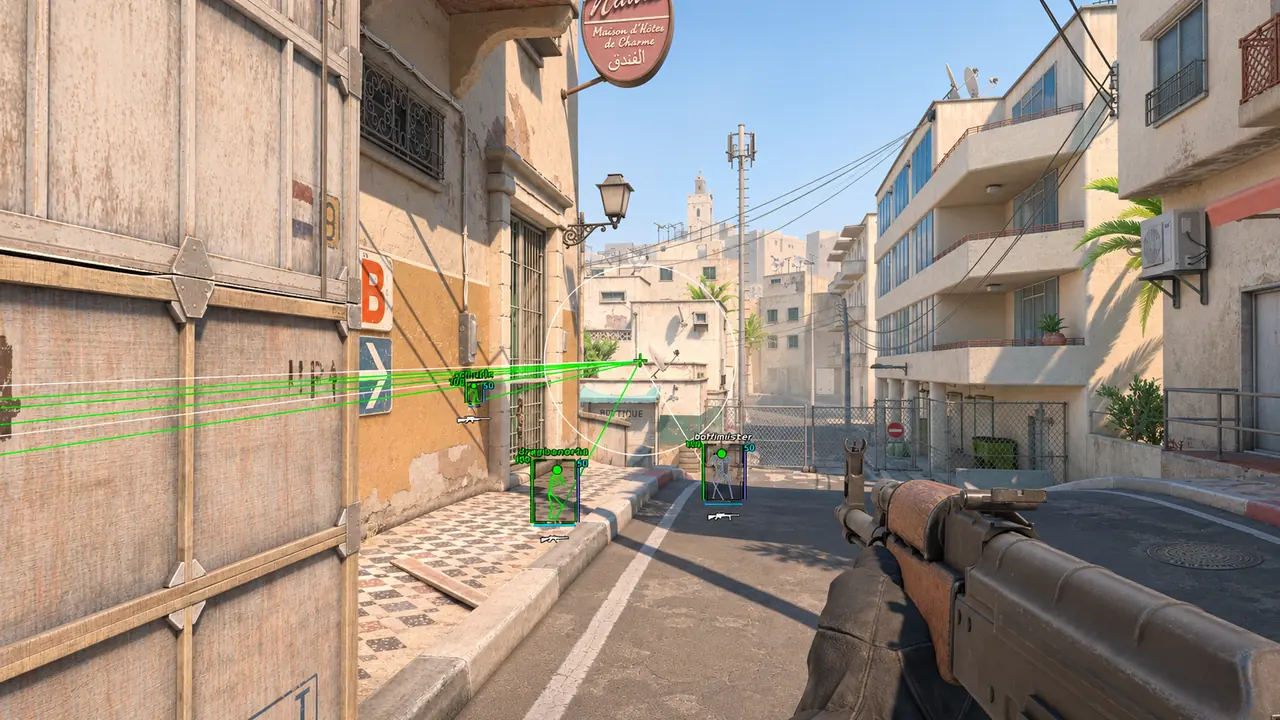
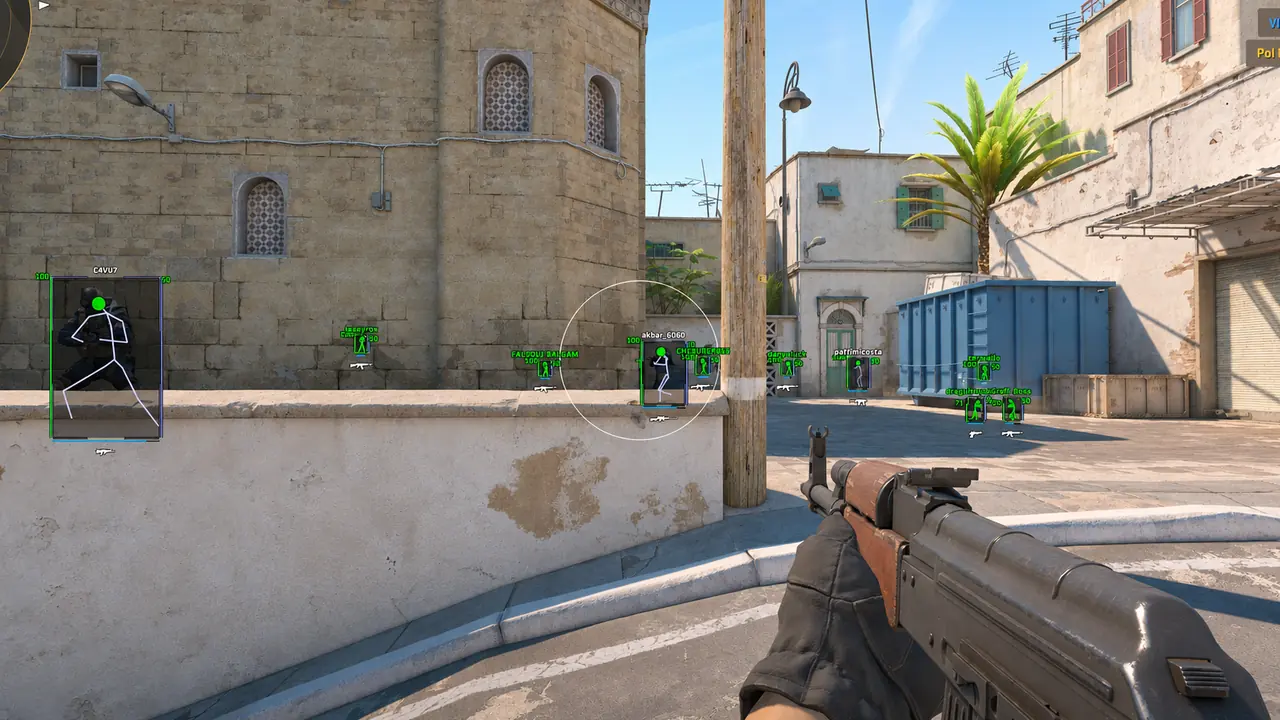
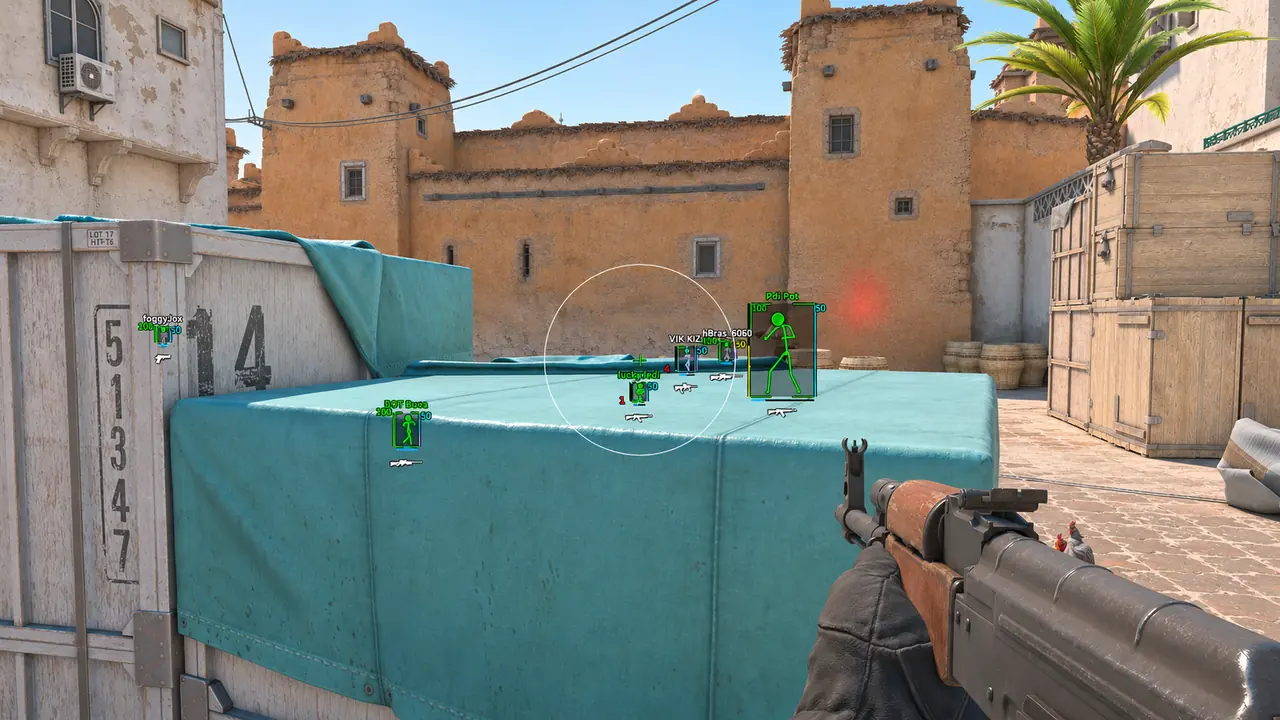
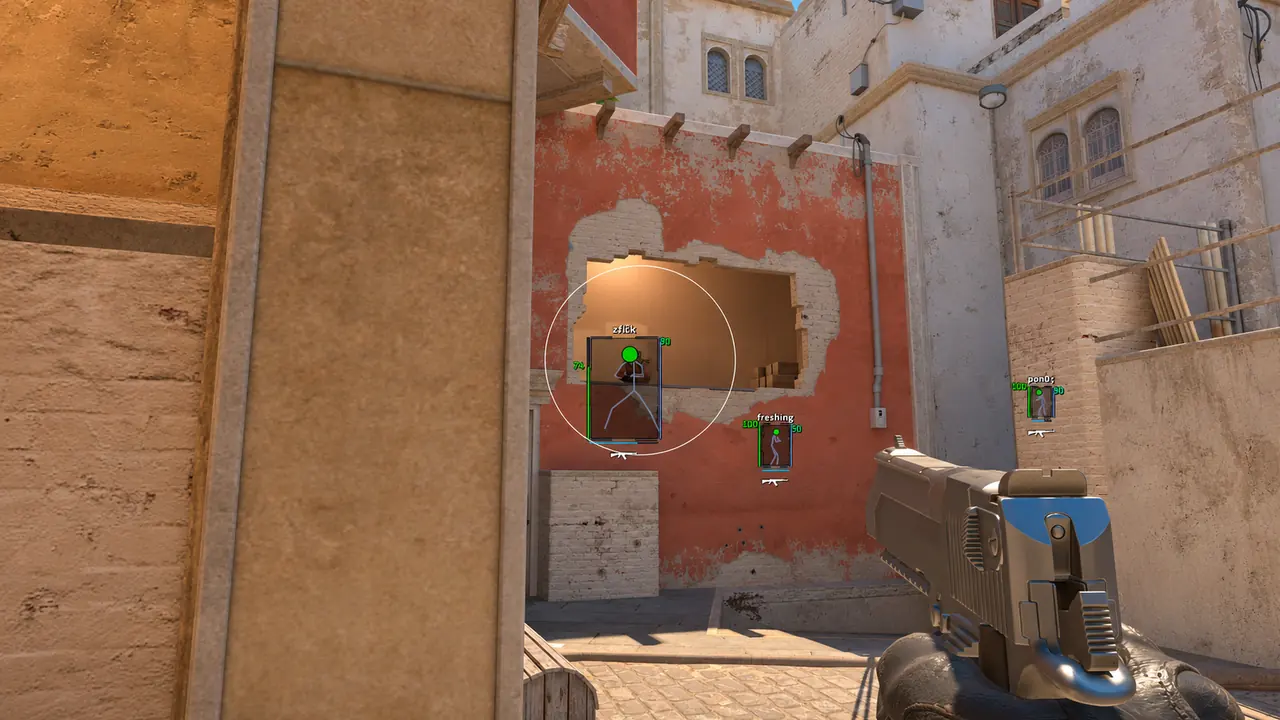
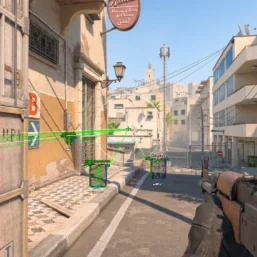
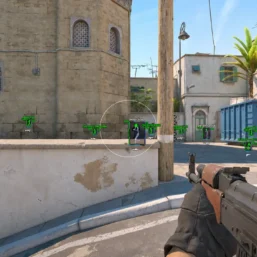
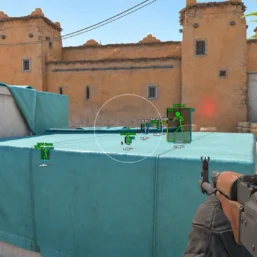
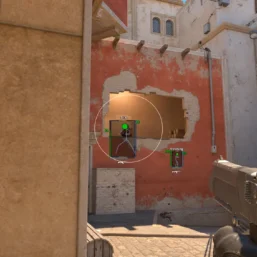
Pussycat for Counter-Strike 2 pairs a configurable a1mbot and triggerbot with player and item ESP. Customize boxes, skeletons and colors while tracking weapons, grenades and bomb information through a streamlined menu.
🌐 STATUS: ✅ Undetected
- AIM, ESP, COLORS, MISC
- Full Features Lists in below description section
System requirements:
Launcher: Steam
Supported processors: Intel, AMD
Video card: Nvidia & AMD
Supported OS: Windows 10, Windows 11
Declaimer: We are not developing this software and we are a premium reselling service. We at ezMod do not advise or condone in any way, shape, or form the usage of any software sell from our shop in online gaming.
👁️🗨️ 14people are viewing this right now
Work in progress! The actual Software may have more/less features than displayed below. We will do our best to update it fully in the near future.
Pussycat – Counter-Strike 2: Full Features List
a1mbot
- Enable – enables automatic aiming at enemies
- Aim Key – key to activate the aimbot
- Smooth – adjusts aim smoothness for more natural crosshair movement
- Hitbox – selects the body part to prioritize (head, neck, body)
- Visible Only – aimbot works only on visible enemies
- Predict Movement – predicts target movement for more accurate shots on running players
- Prediction – adjusts the strength of movement prediction
- Ignore Team – ignores teammates for aiming
- FOV – adjusts the size of the aim capture radius
- FOV Draw – displays the aimbot working radius as a circle
- FOV Color – sets the color of the FOV circle
- FOV Filled – fills the FOV area with a semi‑transparent color
- Trigger Bot – automatically fires when aiming at an enemy
- Trigger Key – key to activate the triggerbot
- Delay (ms) – delay before firing for more natural shots
- Autostop – automatically stops before shooting to increase accuracy
- Early Autostop – early stopping for maximum accuracy
ESP
- Show Players – displays players through walls using ESP
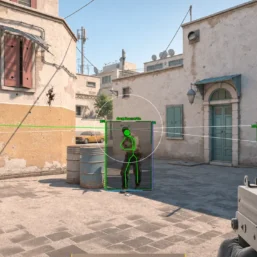
- Draw BOX – shows boxes around player models
- Filled BOX – fills boxes with a semi‑transparent color
- Box Style – chooses the style of boxes (full 2D or corners only)
- Snaplines – enables ESP lines to enemies
- Snapline From – chooses the starting point of ESP lines (top/bottom of screen, crosshair)
- Skeleton – enables skeleton ESP for players
- Names – displays player nicknames
- Name Position – adjusts the position of the nickname
- Health Points – displays enemy HP (text)
- Health Bar – displays player health as a bar
- Helmet Indicator – shows if the enemy has a helmet
- Money – displays enemy money
- Ammo Bar – displays player ammo amount
- Armor Bar – displays enemy armor
- Distance – displays distance to targets
- Weapon – displays enemy weapons
- Show Team – enables ESP for teammates
- Info Flags – additional indicators near players
- Defuse – shows players defusing the bomb
- Scoped – indicates players who are scoped in
- Flashed – shows enemies who are flashed
- Defuse Kit – displays if players have a defuse kit
Items ESP
- Items – displays items on the map
- Item Distance – sets the display distance for items
- Rifles – displays rifles
- SMGs – displays submachine guns
- Shotguns – displays shotguns
- Snipers – displays sniper rifles
- Pistols – displays pistols
- Heavy – displays heavy weapons
- Grenades – displays grenades
- Utility – displays utility items
- Bomb ESP – displays the bomb through walls
- Bomb Status – shows bomb status and explosion timer
Other Pussycat CS2 Features
- Grenades Trajectory – displays grenades and their flight trajectory
- Grenades Bar – shows timers for grenade explosions
- Fire Radius – displays the fire radius of molotov/incendiary grenades
- Save Config – saves the current config settings
- Load Config – loads a saved config
- Menu Key – sets the key to open the menu
- Enemy Font Size – adjusts the font size for enemies
- Item Font Size – adjusts the font size for items
- Spectator List – displays a real‑time list of spectators watching you
| Choose License: | 1 Day, 7 Days, 30 Days |
|---|
Brand
Pussycat
Only logged in customers who have purchased this product may leave a review.
Related products

6.99$

5.00$
From 2.50$

From 3.50$

From 4.99$

5.99$

5.21$

From 1.50$

Reviews
There are no reviews yet.