
New

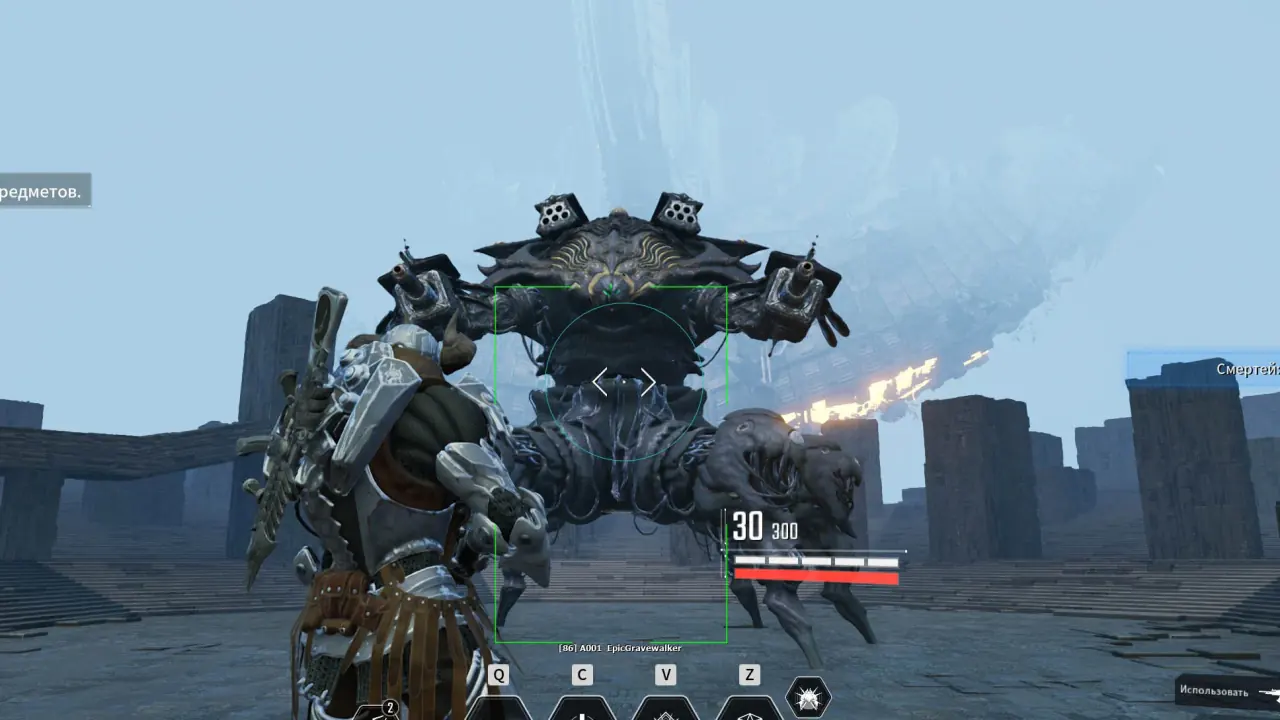

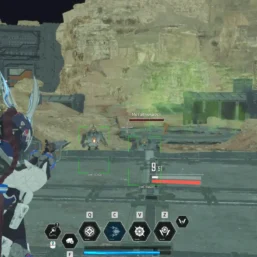
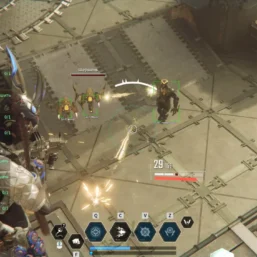
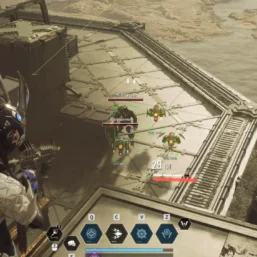
Pussycat – The First Descendant

From 3.99$
🔥 14sold in last 16 hours
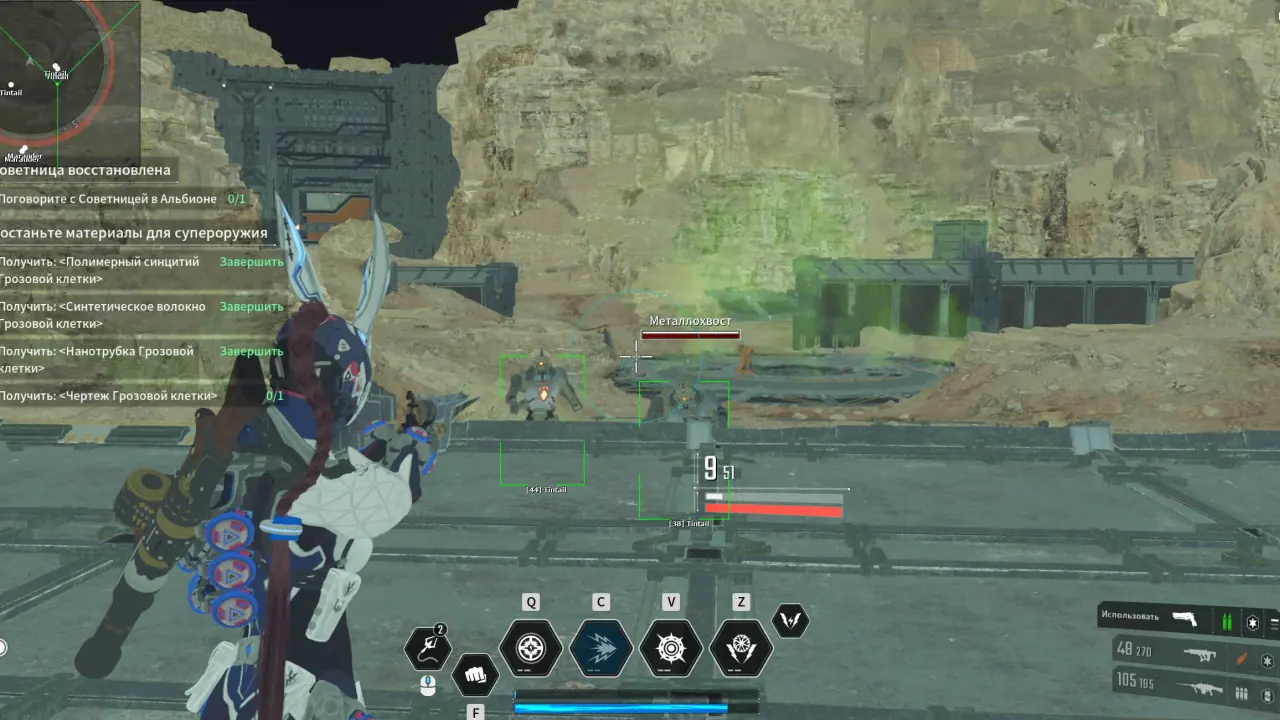
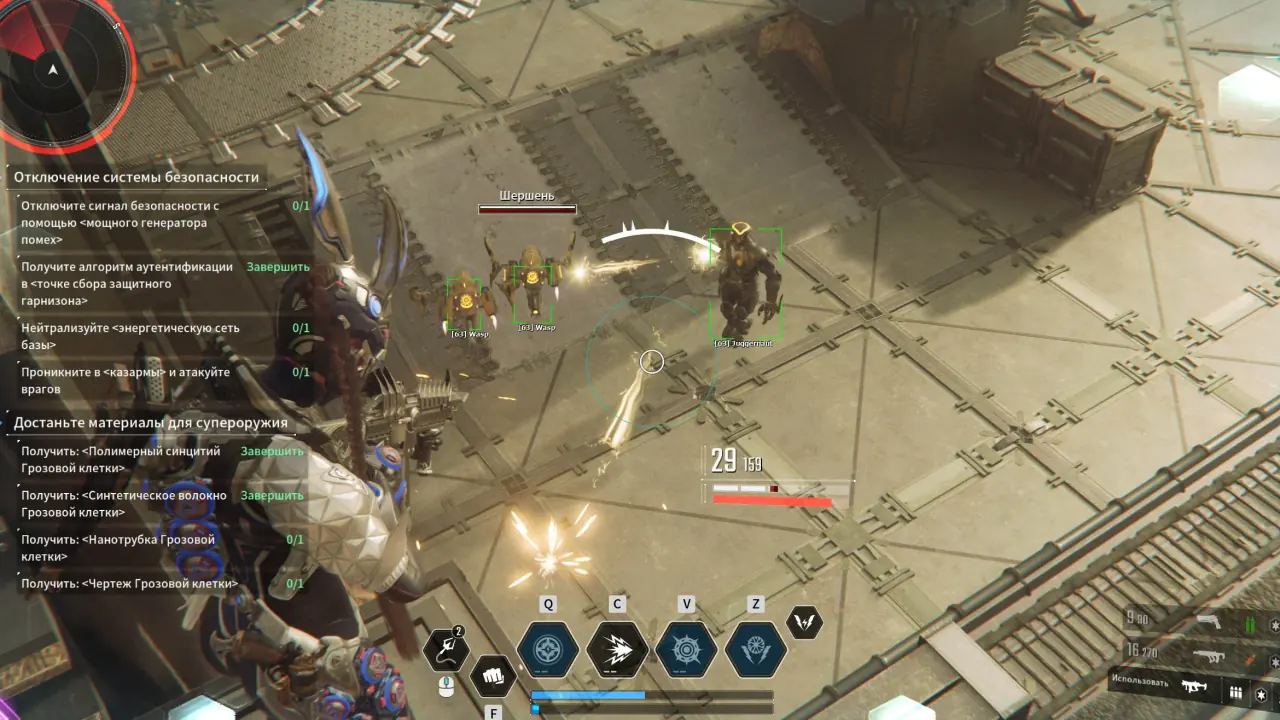
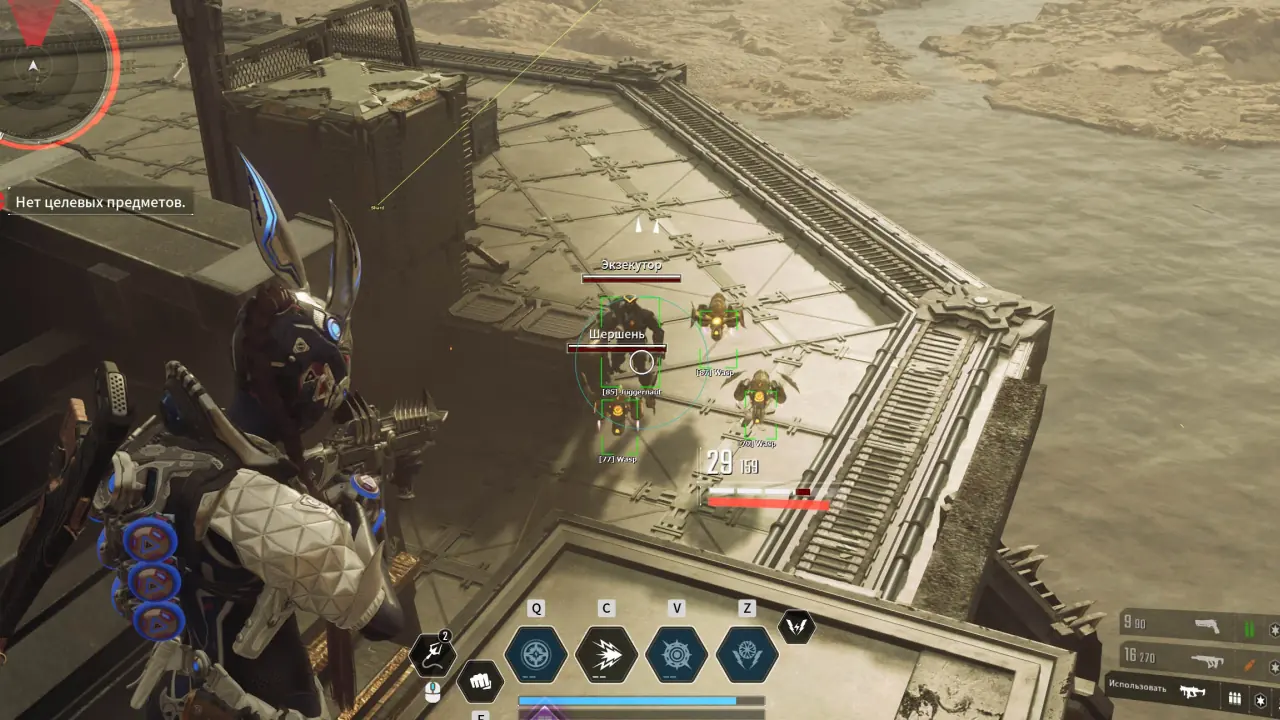
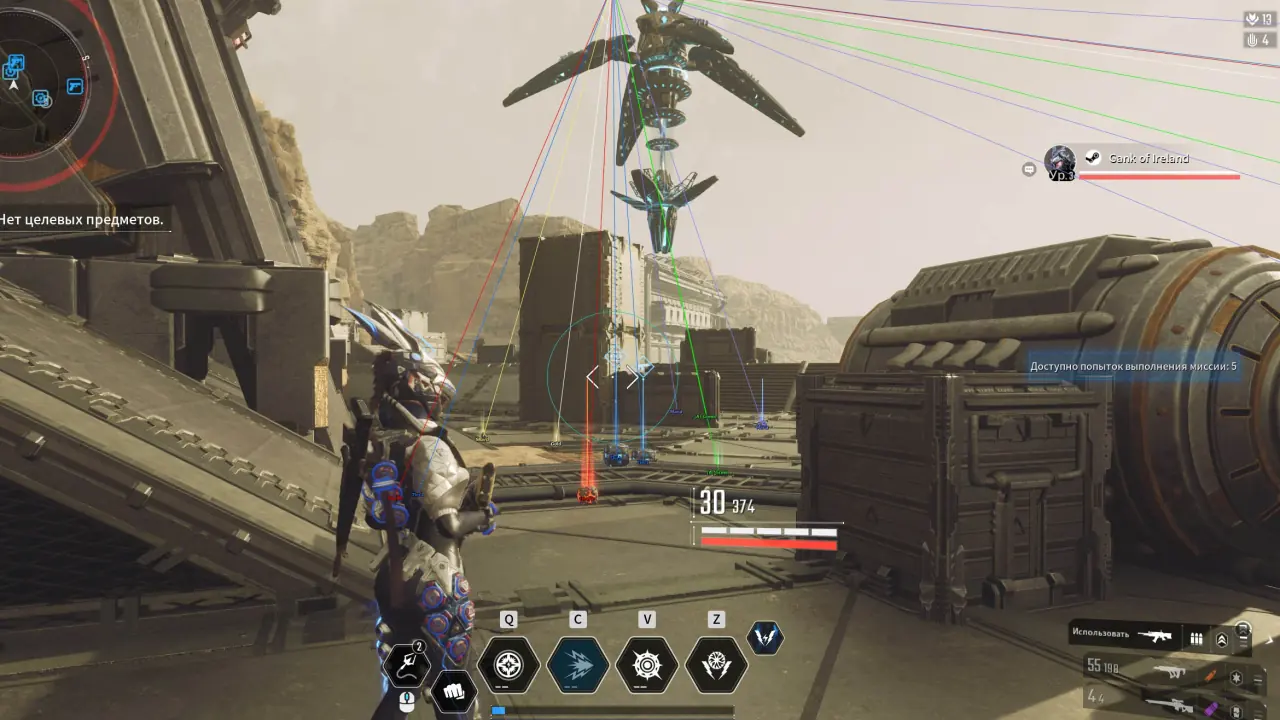
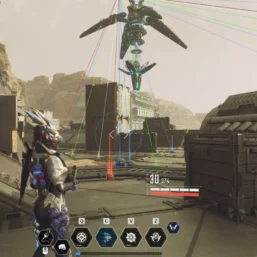
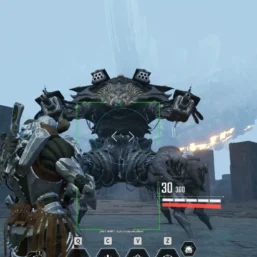
Pussycat for The First Descendant combines a configurable a1mbot with enemy and loot ESP. Track targets and items while customizing the visual and additional gameplay options through a streamlined menu.
🌐 STATUS: ✅ Undetected
- AIM, ESP, COLORS, MISC
- Full Features Lists in below description section
System requirements:
Launcher: Steam
Supported processors: Intel, AMD
Video card: Nvidia & AMD
Supported OS: Windows 10, Windows 11
Declaimer: We are not developing this software and we are a premium reselling service. We at ezMod do not advise or condone in any way, shape, or form the usage of any software sell from our shop in online gaming.
👁️🗨️ 27people are viewing this right now
Work in progress! The actual Software may have more/less features than displayed below. We will do our best to update it fully in the near future.
Pussycat – The First Descendant: Full Features List
a1mbot for The First Descendant
- Enable Aimbot – enable aimbot
- Visible Check – aimbot works only against visible targets
- FOV – aimbot operating radius
- Draw FOV – show aim radius as a circle around the sight
- Filled FOV – fill the aim radius background with transparent color
- FOV Color – the color of the aim circle
- Lock Target (Aim Lock) – fixing the aim on the first target
- Aim Bone (Hitbox) – body part for aiming
- Max Distance – maximum range for aiming with an aimbot
- Aim Key – the key that when held down will make the aimbot work
Enemies ESP for The First Descendant
- Mob ESP – show enemies (mobs)
- Enemy Only – wh shows only enemy units
- Box ESP – ESP in the form of boxes
- Box Style (Corner, 2D Boxes) – select the style of boxes (corners or full boxes)
- Name ESP – show names of ESP targets
- Distance – esp shows the distance to targets
- Max Distance – limit the distance of WH operation
Loot ESP for TFD
- Items ESP – ESP showing items
- Snaplines – wh in the form of lines
- Equip (Blue, Purple, Yellow) – show equipment (filter by quality)
- Ammo (General, Impact, Enhanced, High) – ammunition highlighting (filter by type)
- Health Orb – healing spheres
- Mana Orb – spheres for mana restoration
- Kuiper Shard – show shards
- Gold – show gold
- Distance – distance to loot
- Max Distance – setting the operating range of Loot ESP
Misc
- Radar (POS X/Y, Distance) – radar window on top of the game + radar window settings
- Fullbright – high brightness mode, everything is clearly visible in the dark
- Better Graphic – improve game graphics
- Max Mastery – maximum mastery
- Weapon Speed / Reload – Increase the rate of fire and reload speed
- Instant Teleport – instant teleportation
- Teleport Items – teleportation of loot
- SpeedAll + Damage – speedhack + increased damage
- CFG System (Save / Load Config) – config system, loading and saving settings
- Font Settings – font settings for ESP (size)
- Menu Key – select a key to call the reader menu window
| Choose License: | 1 Day, 7 Days, 30 Days |
|---|
Brand
Pussycat
Only logged in customers who have purchased this product may leave a review.
Related products

From 3.99$


Reviews
There are no reviews yet.