
New


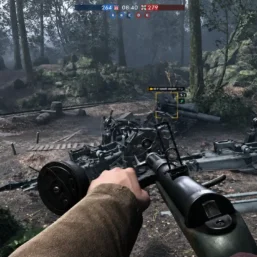
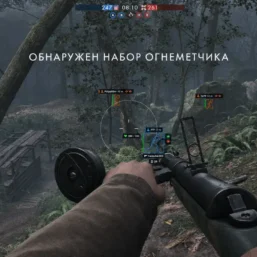
Phoenix – Battlefield 1

From 1.91£
🔥 24sold in last 12 hours
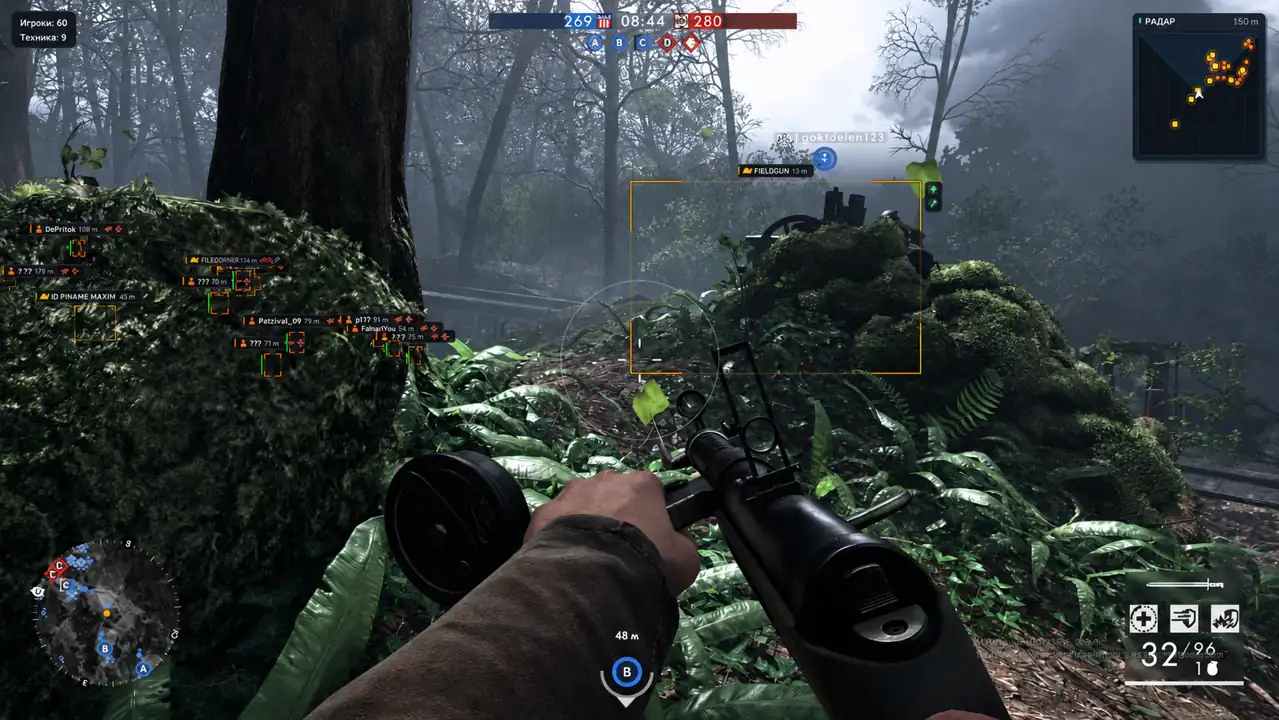
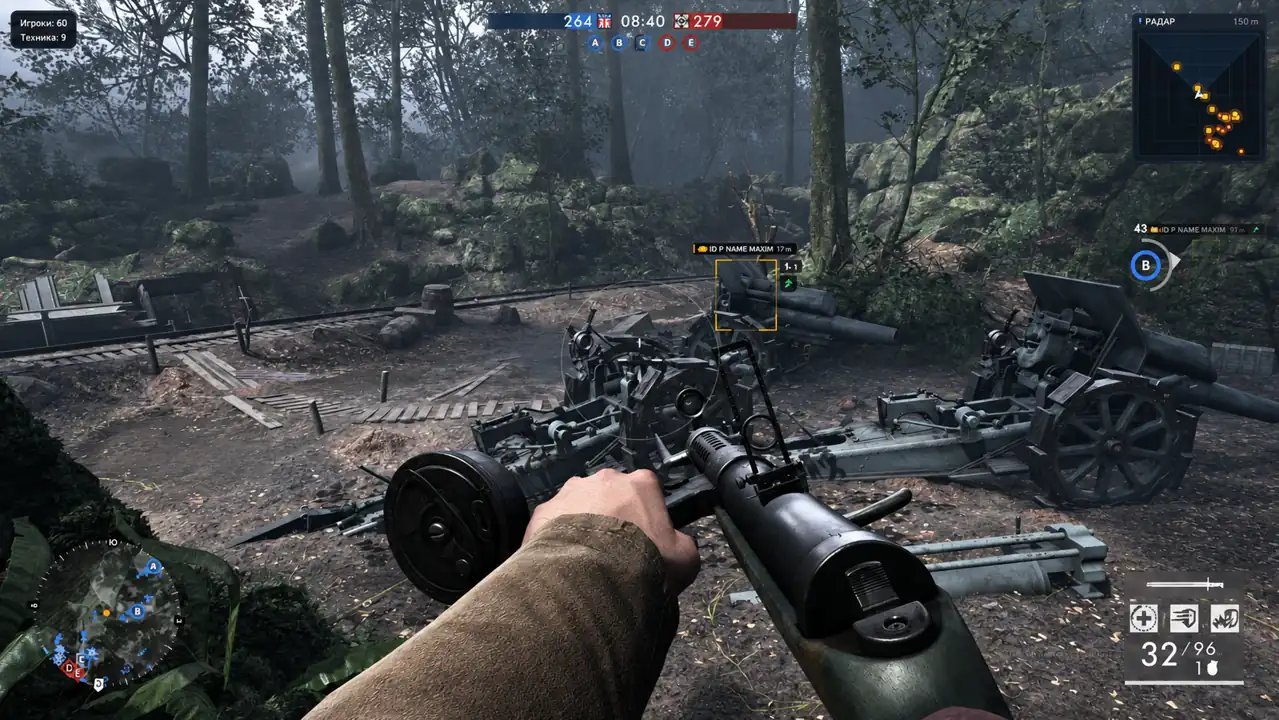
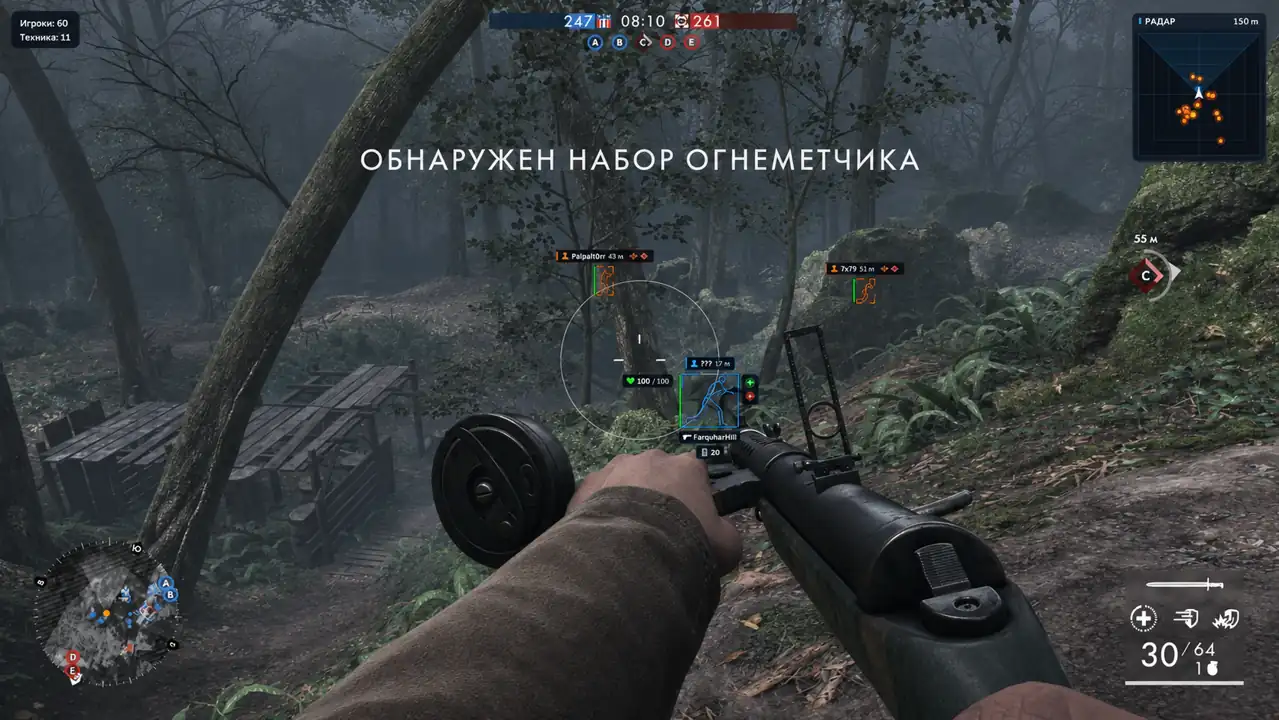
Phoenix for Battlefield 1 combines configurable a1mbot with player and vehicle ESP. Customize visual colors and weapon handling options through a straightforward menu.
🌐 STATUS: ✅ Undetected
- AIM, ESP, COLORS, MISC
- Full Features Lists in below description section
System requirements:
Launcher: Steam, EA App
Supported processors: Intel, AMD
Video card: Nvidia & AMD
Supported OS: Windows 10, Windows 11
Declaimer: We are not developing this software and we are a premium reselling service. We at ezMod do not advise or condone in any way, shape, or form the usage of any software sell from our shop in online gaming.
👁️🗨️ 21people are viewing this right now
Work in progress! The actual Software may have more/less features than displayed below. We will do our best to update it fully in the near future.
Phoenix – Battlefield 1: Full Features List
a1mbot
- Enable – enables automatic aiming
- Mode – standard aiming with camera movement or Silent with shot direction adjustment
- Activation Key – assigns a keyboard key or mouse button for activation
- Key Behavior – switches the activation mode between hold and toggle
- Visibility Check – considers only visible targets
- FOV – sets the radius of the initial target selection in pixels
- Show FOV – displays the aiming circle
- Smoothness – adjusts the speed of standard aiming (the higher the value, the slower the movement)
- Aim Point – selects the aim point: head or chest
- Target Priority – sets target priority: closest to crosshair, closest to player, or lowest health
- Prediction – accounts for target movement
- Pause – disables aiming when the menu is open or the game loses focus
ESP Players
- Boxes – highlights players with corner or full 2D boxes
- Pose-Based Boxes – calculates box size based on the skeleton or character bounds
- Fill – adds a fill inside the boxes
- Nicknames – displays player names
- Health – shows available health data
- Skeleton – displays the character skeleton with lines
- Distance – shows the distance to the player
- Max Distance – limits the player render distance
- Hide Teammates – hides players on your team
- Visibility Check – distinguishes visible and hidden players by color
- Visible Only – displays only visible players
- Colors – adjusts the colors of visible enemies, hidden enemies, and teammates
- Weapon Name – shows the weapon in the player’s hands
- Ammo – displays the current magazine and reserve ammo
- Magazine Capacity – shows the maximum magazine capacity
- Label Position – selects the position of the name and weapon info
- Health Style – selects the health display: bar, text, or both
- Health Position – sets the position of the health indicator relative to the box
- Status Indicators – enables the display of character and object statuses
- Visibility – shows whether the character is visible
- Team – marks ally or enemy
- Dead / Destroyed – displays death or destroyed status
- Low Health – marks characters with low health
- Suppressor – shows the presence of a suppressor
- Status Position – selects the position of status icons and text
- Box Glow – adds a glow around boxes
- Glow Size – adjusts the glow width
- Glow Brightness – adjusts the glow intensity
- Icons – adds icons to labels and statuses
- Text Size – adjusts the text size
- Offset – sets the distance between the box and labels
ESP Vehicles
- Vehicle Boxes – highlights vehicles with boxes
- Name – shows the vehicle name
- Health – displays vehicle health if data is available
- Enemy Only – displays only enemy vehicles
- Seat Count – shows vehicle capacity
- Repairable – marks whether the vehicle can be repaired
- Type Filter – filters vehicles by categories: ground, air, water, and others
- Max Distance – limits the vehicle render distance
- Color – sets the color of vehicle markers
- Name Position – selects the position of the name relative to the box
ESP Items
- Enable – enables item display
- Medkits – shows medkits and healing objects
- Supplies – displays supply replenishment objects
- Pickups – highlights pickup items
- Dropped Kits – shows dropped loadout kits
- Names – displays item category names
- Distance – shows the distance to items
- Max Distance – limits the item render distance
Radar Hack
- Enable – enables the radar overlay
- Players – displays player markers
- Vehicles – shows vehicle markers based on the selected categories
- Local Player – displays your own position
- Shape – selects a round or square radar shape
- Grid – enables the coordinate grid
- Range – sets the radar view radius
- Size – adjusts the radar size in pixels
- Lock Position – locks the radar in the top-right corner
- Move – allows moving the unlocked radar when the menu is open
Other Phoenix BF1 Features
- No Recoil – suppresses recoil of the active weapon
- No Spread – removes shot deviation during shot calculation
- No Weapon Sway – disables weapon sway
- Counters – shows the number of players and vehicles in the top-left corner
- Preview – displays a preview of the selected theme
- Language – switches the interface language between Russian and English
| Choose License: | 1 Day, 7 Days, 30 Days |
|---|
Brand
Phoenix
Only logged in customers who have purchased this product may leave a review.
Related products

From 7.26£

From 6.10£

From 2.14£

From 3.05£

From 5.04£


Reviews
There are no reviews yet.