
New


Pussycat – Gray Zone Warfare

From 3.99$
🔥 23sold in last 16 hours
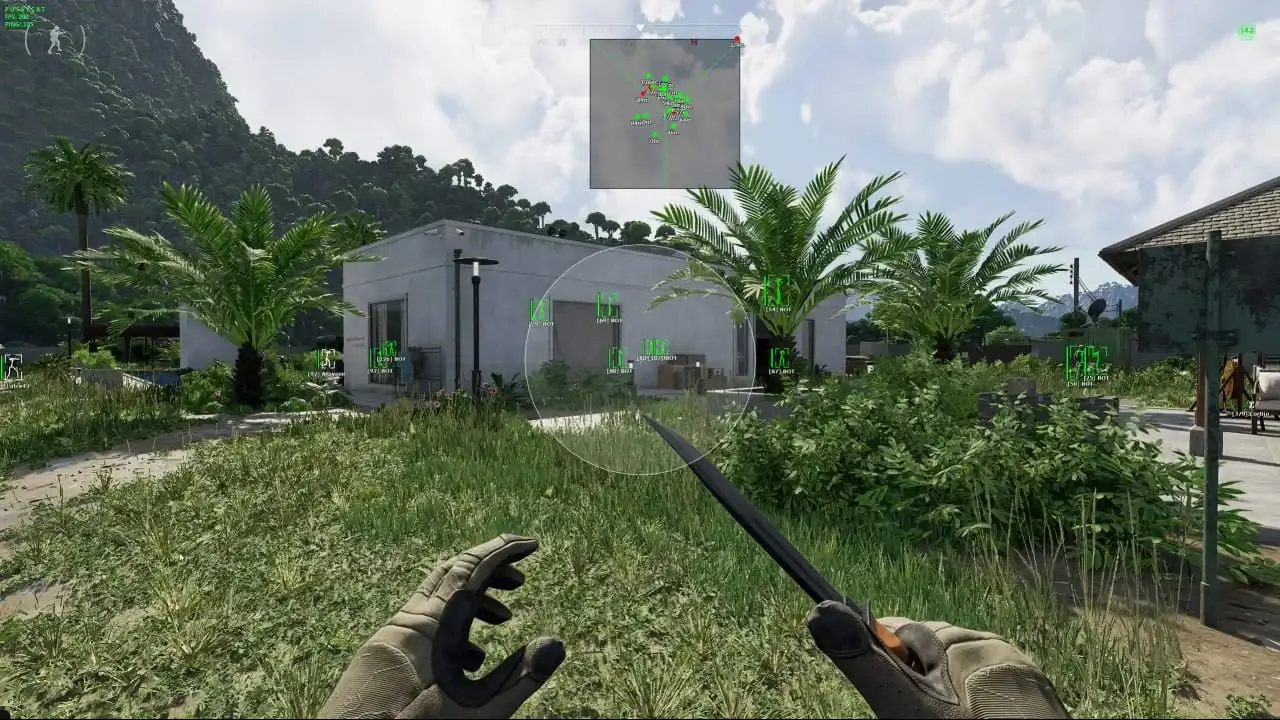
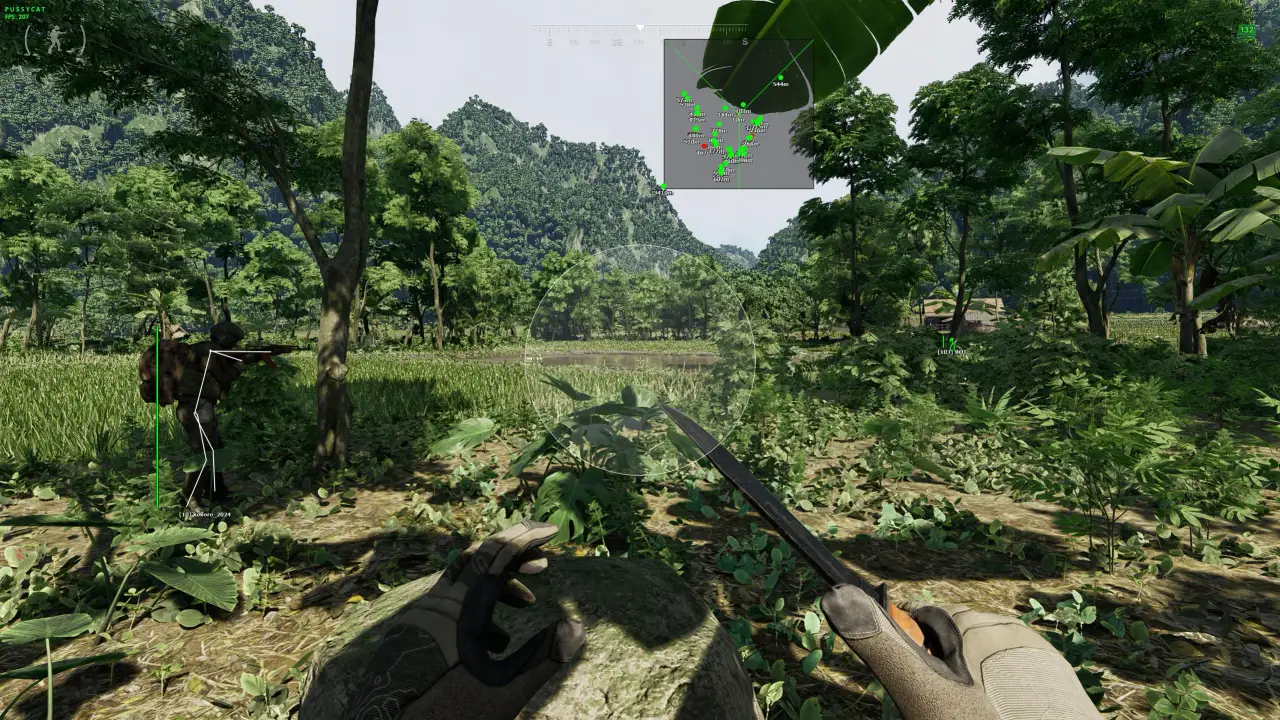
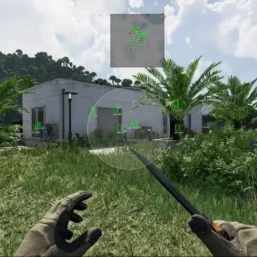
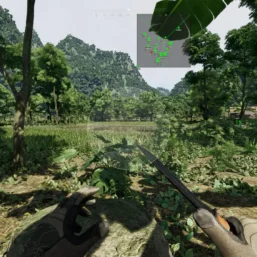
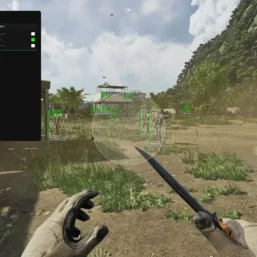
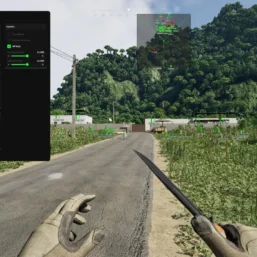
Pussycat for Gray Zone Warfare combines a configurable a1mbot with player, bot and loot ESP. Find quest items and valuable containers, track nearby targets with radar and customize visual options.
🌐 STATUS: ✅ Undetected
- AIM, ESP, RADAR, COLORS, MISC
- Full Features Lists in below description section
System requirements:
Launcher: Steam
Supported processors: Intel, AMD
Video card: Nvidia & AMD
Supported OS: Windows 10, Windows 11
Declaimer: We are not developing this software and we are a premium reselling service. We at ezMod do not advise or condone in any way, shape, or form the usage of any software sell from our shop in online gaming.
👁️🗨️ 24people are viewing this right now
Work in progress! The actual Software may have more/less features than displayed below. We will do our best to update it fully in the near future.
Pussycat – Gray Zone Warfare: Full Features List
a1mbot
- Player – enable aimbot for players
- Bot – aimbot activated for bots
- Aim Key – button to activate aimbot
- Hitboxes – choose the body part where aimbot will hit
- FOV – aimbot’s working area
- FOV Draw – display aimbot’s circle
- FOV Filled – fill the circle for better visibility
- Ammo Count – display the number of bullets on screen
- Max Distance – working range of the aimbot
- Prediction – preemption when aiming at moving targets
Visuals
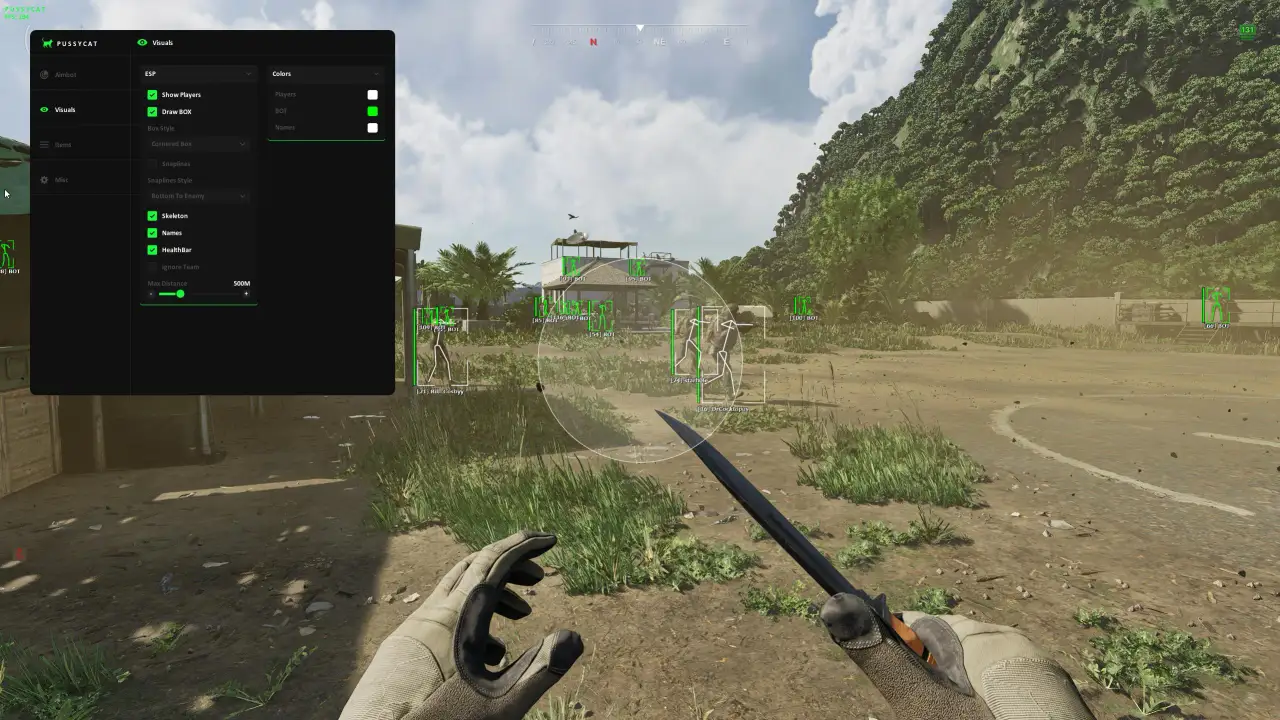
- Players – ESP for players
- Bot – WH will display bots
- Box – WH in the form of boxes
- Box Style – ESP box style (full, edges)
- Snaplines – WH in the form of lines
- Snaplines Style – configure the appearance of the lines
- Skeleton – WH in the form of skeletons
- Names – display player nicknames/names
- Health – enemy HP as a bar
- Ignore Team – ignore WH on your squad
- Containers – display loot containers
- Max Distance – working range of ESP
- Knocked Players – displays knocked‑out players
- Dead Players / Bots – displays dead players and bots
- Bot Weapon – shows the bots’ weapons
Items ESP
- Items ESP – display loot containers, quest items, etc.
- State – display container status (open or closed)
- Price – show the item’s price
- Weight – show the item’s weight
- Item Name – displays item names
- Container Name – displays container names
- Item Level – shows the item level
- Level Color Filter – highlights items with a color depending on their level
- Item Slots – shows how many slots an item occupies in the inventory
- Buildings
- Containers
- Collectible items
- Quest items
- Other items
- Other objects
Other features of Pussycat GZW
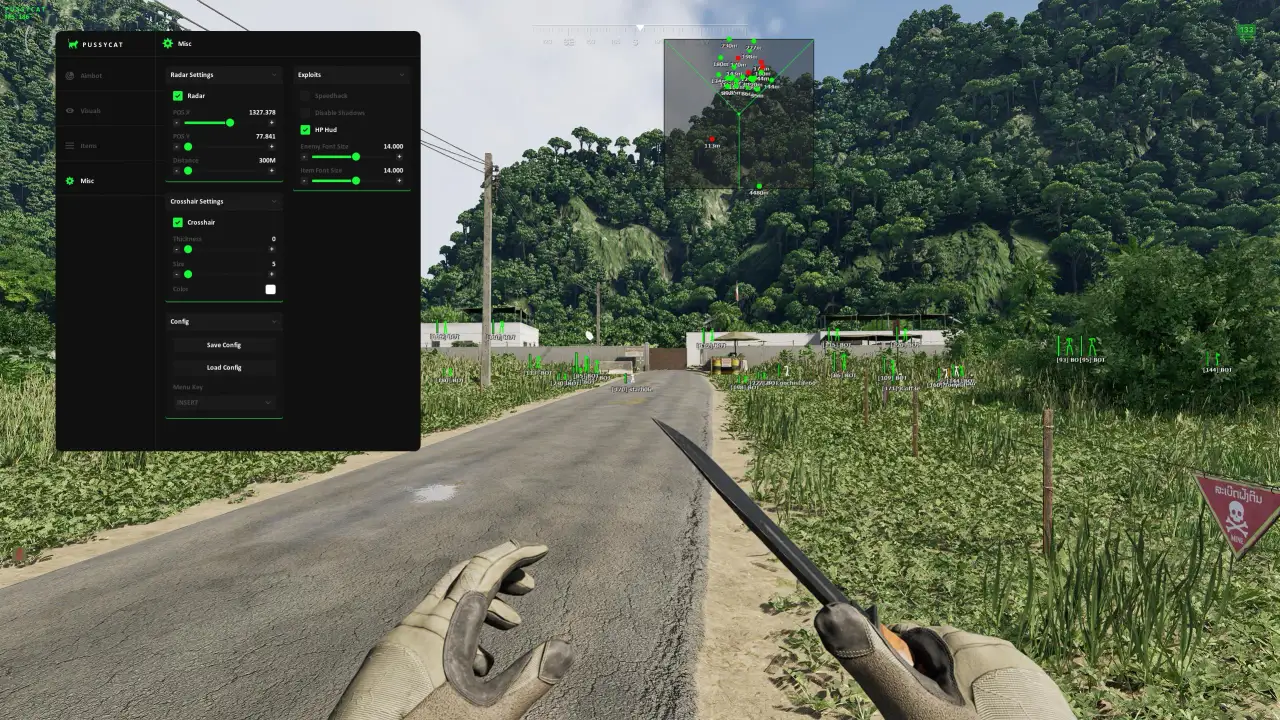
- Radar – additional window showing enemies on the radar
- Crosshair – customizable crosshair with flexible appearance settings
- Disable Shadows – disable in-game shadows (+fps)
- Show Ping – display your server ping
- Font Settings – configure text size for ESP
- Configs – system for quick storage and loading of settings
- Menu Key – key to open the Pussycat GZW menu
- Auto Update – the cheat updates automatically with minor game patches
| Choose License: | 1 Day, 7 Days, 30 Days |
|---|
Brand
Pussycat
Only logged in customers who have purchased this product may leave a review.
Related products

From 3.00$


Reviews
There are no reviews yet.