


Arcane – ARC Raiders

From 8.54$
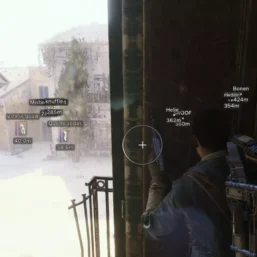
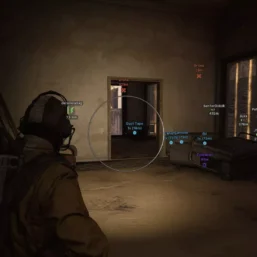
Arcane for ARC Raiders – premium private software for ARC Raiders, one of the most sought-after solutions among players who seek maximum efficiency, stability, and top-tier protection. Arcane has long proven itself in other projects and confidently maintains its quality in ARC Raiders, offering extensive capabilities both for engaging enemies and for quick loot searches.
🌐STATUS : ✅ Undetected
- AIM, ESP, RADAR, COLORS
- Full Features Lists in below description section
Software Info:
Type: External, Built-in Spoofer Included
Game Mode: Windowed/Borderless (Stream Proof)

System requirements:
Supported Launcher: Epic Games, Steam, Microsoft Store (Xbox)
Supported processors: Intel, AMD
Supported OS Build : Windows 10-11 x64
Declaimer: We are not developing this software and we are a premium reselling service. We at ezMod do not advise or condone in any way, shape, or form the usage of any software sell from our shop in online gaming.
Work in progress! The actual Software may have more/less features than displayed below. We will do our best to update it fully in the near future.
Arcane – ARC Raiders : Full Features Lists
Aim
- Enable – enable/disable aimbot
- Aim Mode – aimbot operating type (always active, on keypress)
- Aim Keys – keys to activate the aimbot (two choices)
- Visible Check – aimbot targets only visible enemies in the field of view
- Draw FOV – display the aimbot’s area of action as a circle
- Adaptive FOV – the aim area varies depending on the proximity of the target/sight
- FOV Style – visual settings for the aimbot circle
- FOV – configure the area of the aimbot’s action
- Smooth – smooth the aimbot movements
- No Spread – all bullets fly to one point without scattering
- Targets – choose targets for the aimbot (players, bots, teammates)
- Bones – choose hitbox for the aimbot to target (head, neck, body, pelvis)
- Bones Priority – set priority for choosing the aimbot point (selected hitbox, nearest bone to crosshair, random)
- ARC Critical Points – show ARC points for critical damage
- Max Distance – aimbot activation range in meters
- RCS – recoil control system when firing
- Switch Delay Target – delay before the aimbot switches to the next target
- Humanize – the mode of operation of the aimbot is similar to human behavior
- Anti-Aliasing – dynamic change in the smoothness of target acquisition (adjustable)
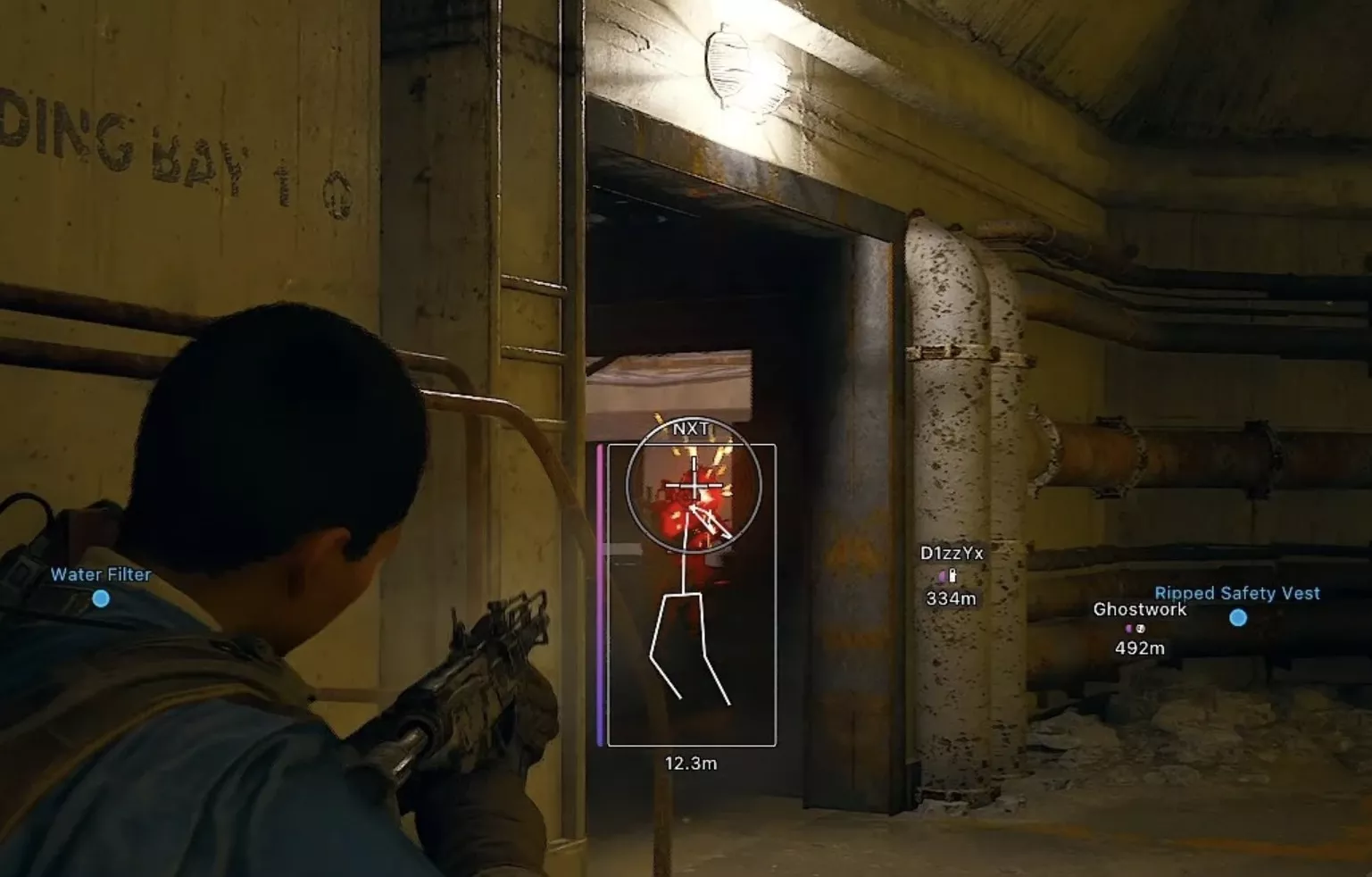
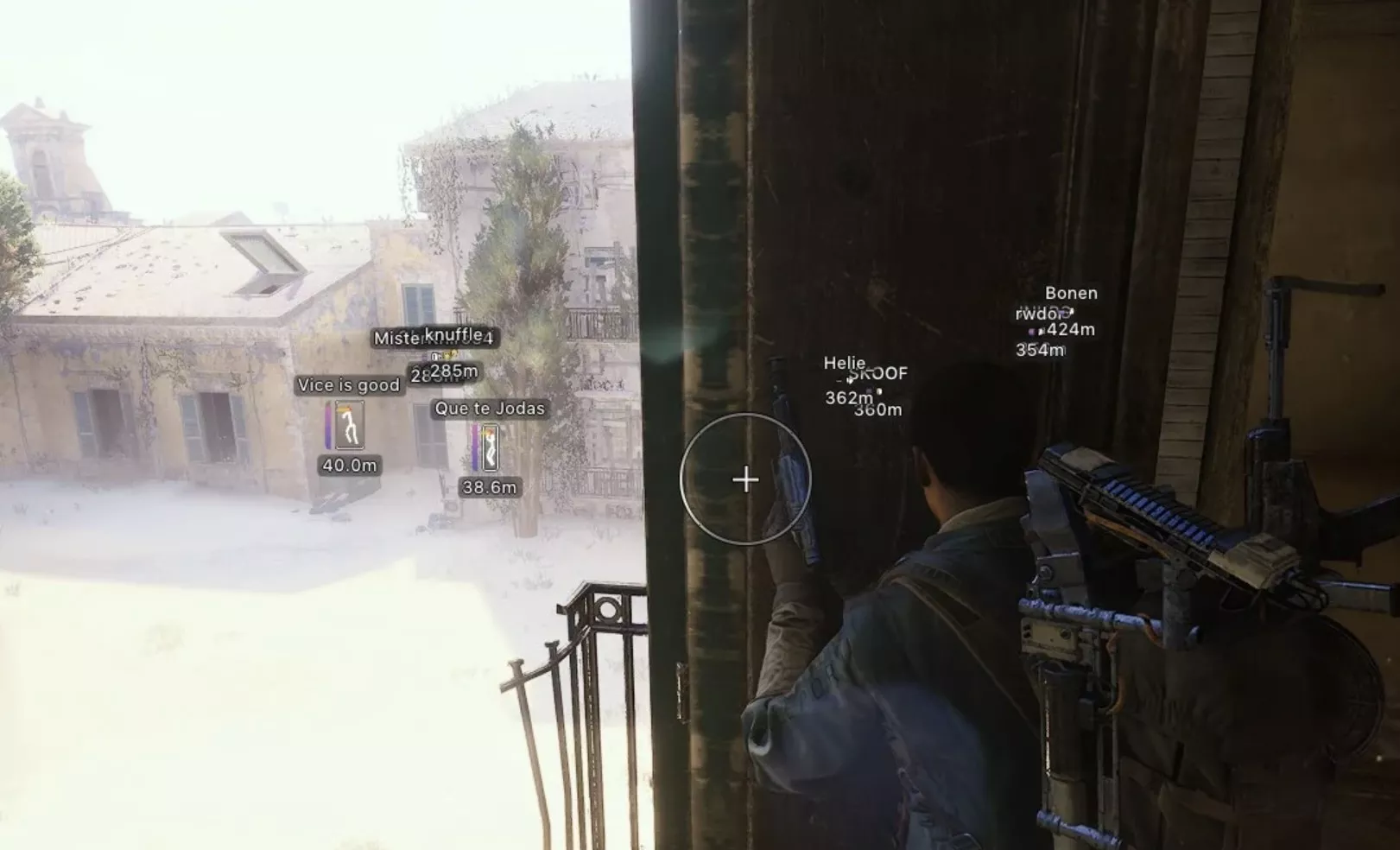
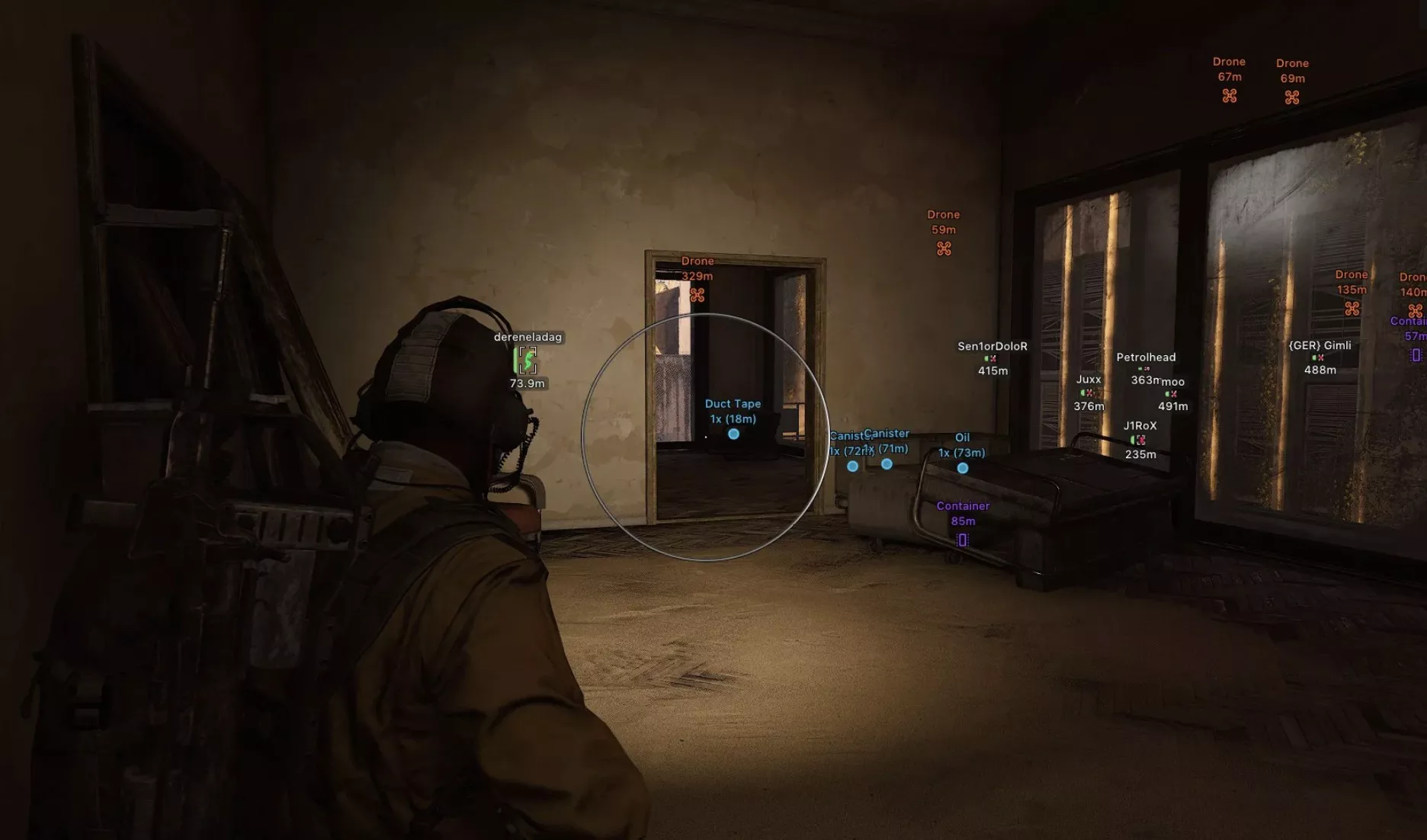
Players & Bots ESP (WH)
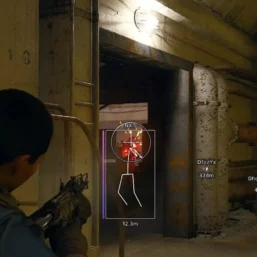
- Box – WH as boxes
- Box Style – configure box type, color, and other parameters
- Visible Check – differentiate players as visible/invisible using different colors
- Name – display player nicknames
- Distance – distance to the targets in meters
- Health – display health level as a bar
- Armor – display armor level as a bar
- Skeleton – WH as skeletons
- View Line – display player viewing direction
- Snaplines – WH with lines pointing to enemies
- Bots – display bots (arcs, bosses)
- Teammates – display allies
- Max Distance – ESP detection range
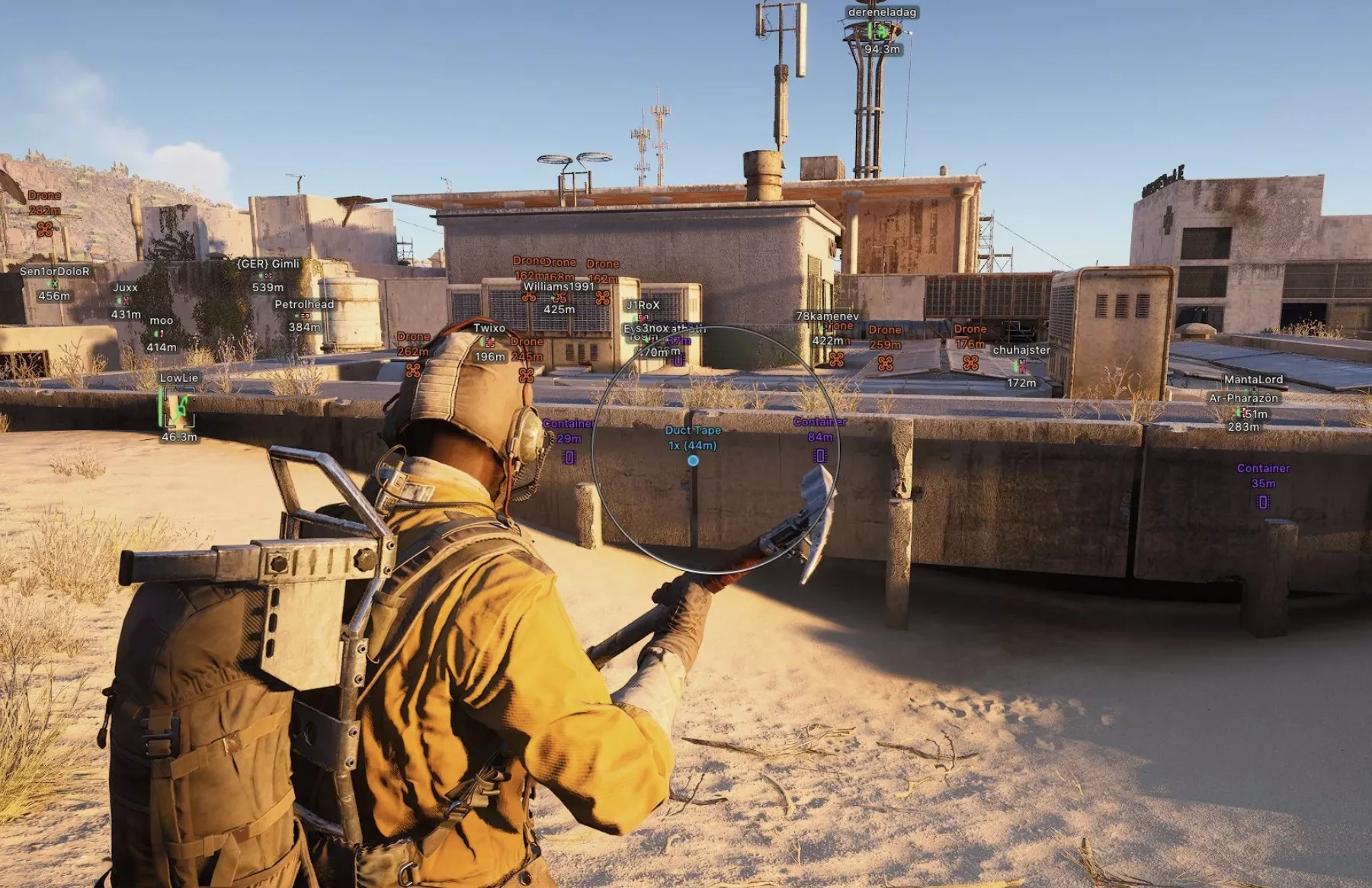
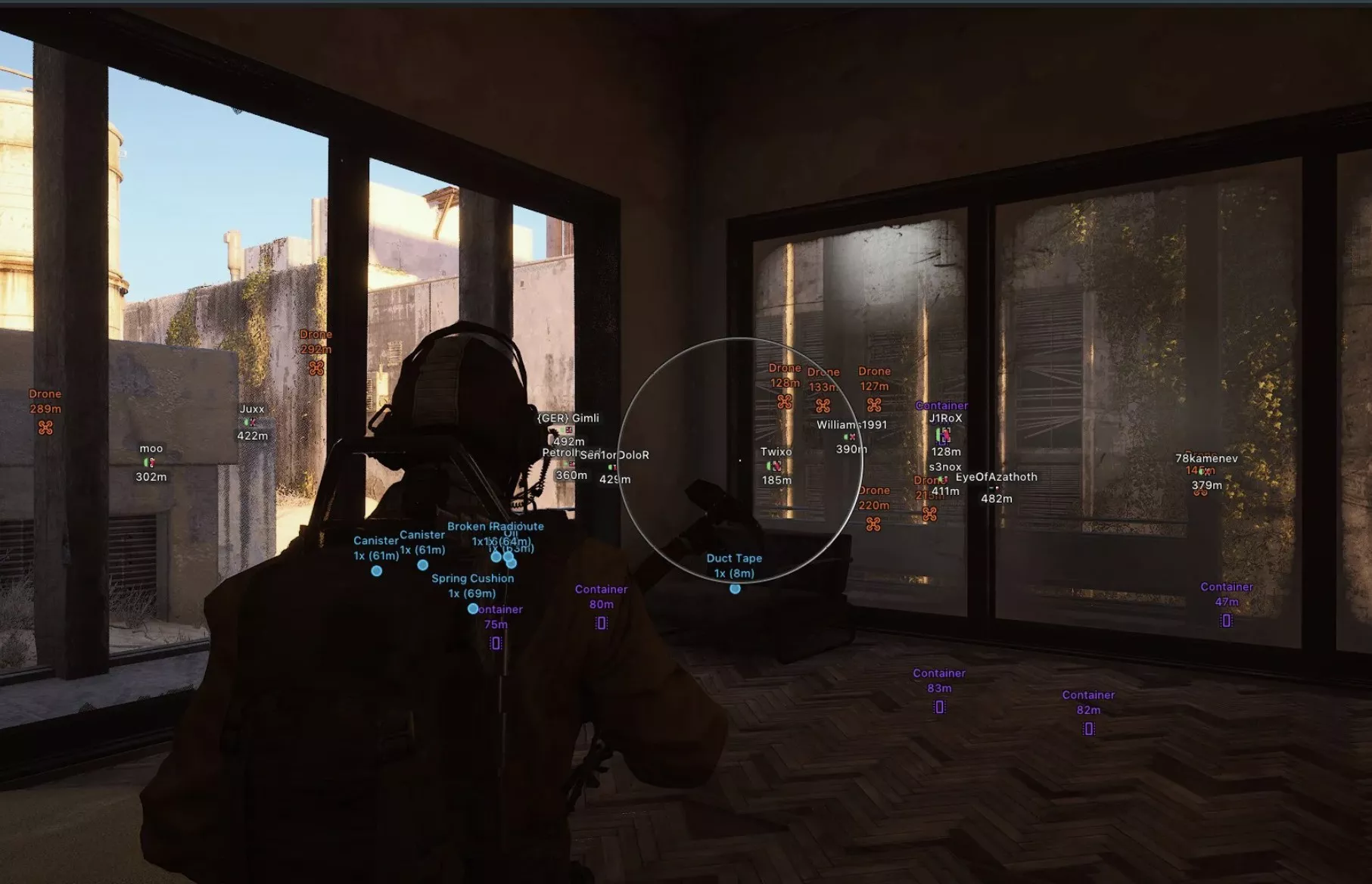
World ESP (Loot and Objects)
- Amount – displays the quantity of items in a stack
- Used Items – marks if the item has been used
- Distance – display the distance to an object/loot in meters
- Custom Colors – ability to choose a custom color for displaying items
- Mine
- Grenade
- Corpses
- Drones
- Containers
- Dropped Items
- Carryable
- Supply station
- Extraction point
- Ammo box
- Medical box
- Power station
- Battery carriable
Other Arcane ARC Raiders Features
- Battle Mode – disables the entire ESP, leaving only the VX for the Players
- FOV Changer – significantly expands the viewing angle
- Super Flashlight – very bright and clear flashlight
- Super Zoom – zoom level adjustment (zoom hack)
- Menu Key – key to open the menu
- Unload Key – key to completely disable the cheat
- Crosshair – custom crosshair at the center of the screen with settings
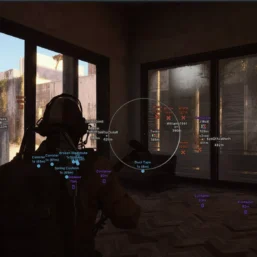
- Radar – radar that displays all players in a separate window (flexible settings)
- Configs – settings system (save, load, reset, share)
- StreamProof – cheat menu and WH not visible in game window captures
- Languages – supports 3 languages (Russian, Chinese, English)
- Fullbright – makes the picture very bright (3 modes)
- No Shadows – disables shadows and dark areas
- No Grass – disables grass and vegetation
- No Clouds – disables clouds
- No Textures – disables some texture layers for buildings
| Choose License: | 1 Day, 7 Days, 30 Days |
|---|
Brand
Arcane
Only logged in customers who have purchased this product may leave a review.
Related products





Reviews
There are no reviews yet.