
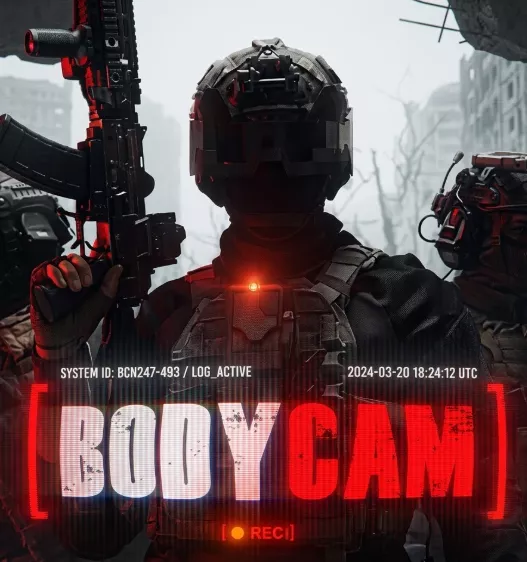
Ghost – Bodycam
From 3.99$
🔥 12sold in last 16 hours
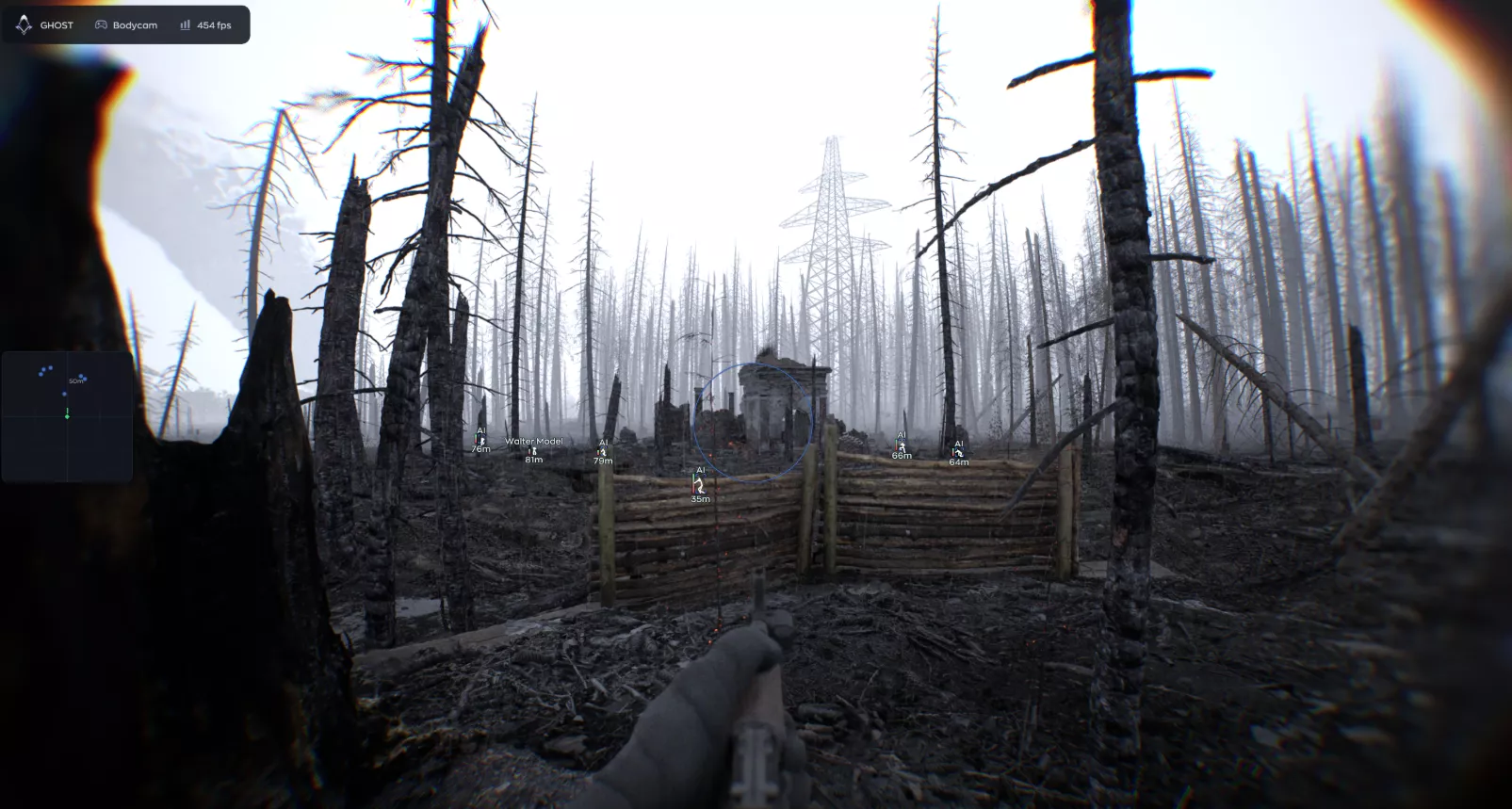
Ghost Bodycam software is a premium solution featuring advanced ESP, precise Aimbot, and a unique AC bypass system.
🌐STATUS : ✅ Undetected
- AIM, ESP, RADAR, COLORS
- Full Features Lists in below description section
System requirements:
Supported Launcher: Steam
Supported processors: Intel, AMD
Supported OS Build : Windows 10-11 x64
Declaimer: We are not developing this software and we are a premium reselling service. We at ezMod do not advise or condone in any way, shape, or form the usage of any software sell from our shop in online gaming.
👁️🗨️ 13people are viewing this right now
Work in progress! The actual Software may have more/less features than displayed below. We will do our best to update it fully in the near future.
Ghost – Bodycam: Full Features Lists
AIMBOT
- Enable — turns on the aimbot; increased risk of detection
- Field of View — radius of the target capture zone (20–360)
- FOV Circle — displays the capture area on the screen
- Hitbox — select a body part (head, neck, body, arms, legs)
- Bone Mode — bone selection mode: selected or nearest
- Visible Check — works only on visible targets
- Max Distance — maximum operating distance (1–500 m)
- Smooth — smoothing of movement when hovering (1–20)
VISUAL
- Enable — turns on ESP
- Visible Check – different colors for visible/invisible
- Box — a box around the player (normal, corners, fill, 3D)
- Name — the player’s nickname
- Skeleton – model skeleton
- Distance — distance to the player
- Snapline — line to the player
- Snapline Target – line target (head, body, legs)
- Snapline Mode – mode (all players / aimbot target)
- Offscreen Arrows
- Health — health bar
RADAR
- Enable — turns on the radar
- Draw Outline — radar outline
- Draw Background – radar background
- Point Style — point style (square, circle, triangle)
- Size — radar size
- Max Distance — display distance
- Point Size — the size of the dots
- Zoom
MISC
- No Recoil – eliminates recoil
- No Spread – removes bullet spread
- No Sway – removes weapon sway
- Rapid Fire – Increases the rate of fire
- Fast Reload
SETTING
- Config System — creating/saving/loading/deleting configs
- Watermark
- Keybind Indicator — a panel of active keybinds on the screen
- Shadow Text — shadow of interface text
- Hide From Capture — hide from OBS / Discord / Game Bar
- Battle Mode is a minimalistic combat mode.
- Crosshair is a custom crosshair with color customization.
- Menu Key — menu opening key
- DPI Scale — interface scale
| Choose License: | 1 Day, 7 Days, 30 Days |
|---|
Brand
Ghost
Only logged in customers who have purchased this product may leave a review.
Related products
From 3.99$

Reviews
There are no reviews yet.